7 AI Sales Agents Compared for 2026
A comparison of seven AI sales agents for 2026, covering what each one automates, who it fits, and what it costs.
9 min read
MCP Inspector is the official tool for testing and debugging MCP servers in a browser, a terminal or CI. Setup steps, CLI exit codes and what changed in v2.
Before a model calls a tool, you want to see what the server advertises and what it returns. MCP Inspector shows both, and the same checks can run from a script.
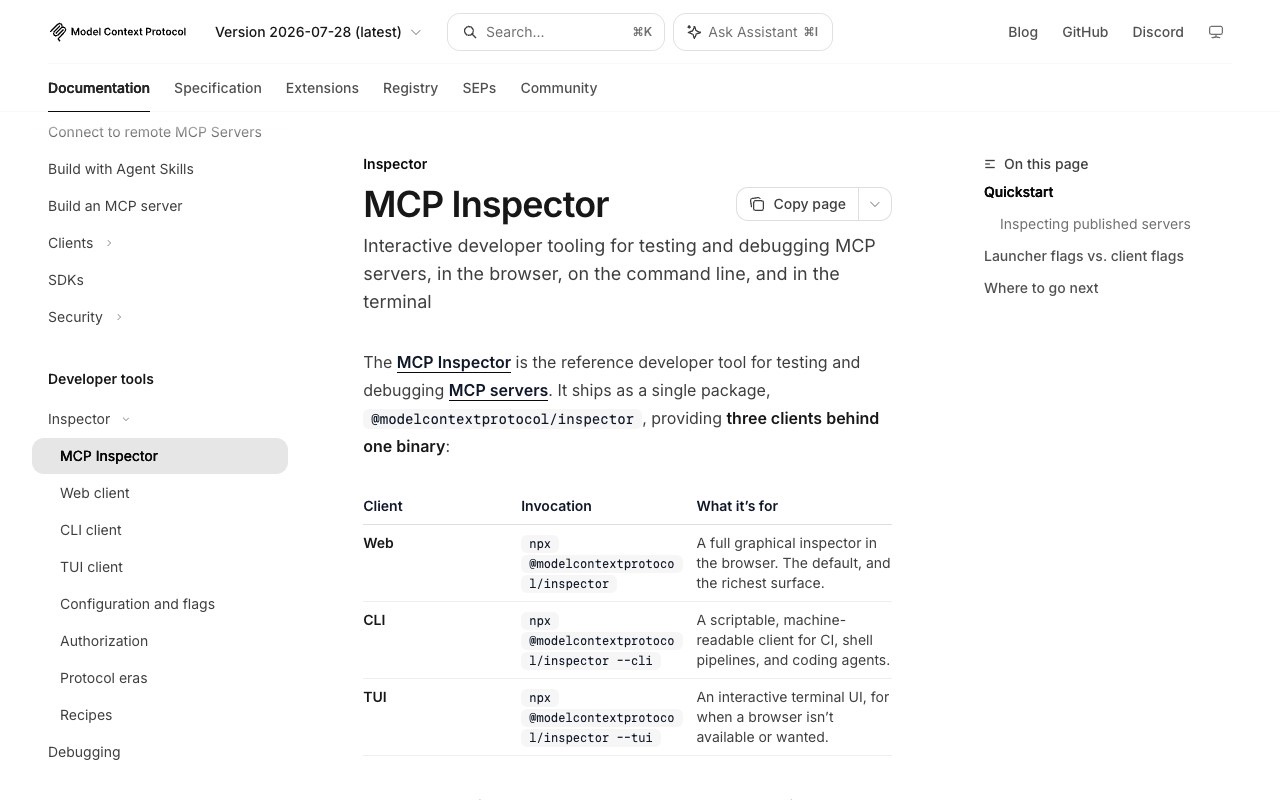
MCP Inspector is the reference developer tool for testing and debugging Model Context Protocol (MCP) servers. It ships as one npm package, @modelcontextprotocol/inspector, with three clients: a browser-based web client, a scriptable command-line client and a terminal UI. You start it with npx, and it requires Node 22.19.0 or newer.
You need Node.js 22.19.0 or newer and an MCP server to point the tool at.
engine-strict is set, so an older Node fails later and less clearly. Run node -v before you start.Pass your server's start command to npx, then open the URL it prints.
npx @modelcontextprotocol/inspector node path/to/server/index.jsThe command prints a URL containing a one-time session token. Open it in your browser. Running the command with no target opens the UI with no servers in it, and you add them from the interface.
Pass the server URL and set the transport explicitly to connect over HTTP.
npx @modelcontextprotocol/inspector --server-url https://api.example.com/mcp --transport httpAuth0's guide to testing a local, secured server sets the transport type to Streamable HTTP and enters http://localhost:3001/mcp. It then covers OAuth client setup and recommends static client registration over dynamic client registration.
The CLI runs one request, prints the result and exits, which suits a shell pipeline or a CI job. This lists the tools on a local stdio server:
npx @modelcontextprotocol/inspector --cli node build/index.js --method tools/listThis calls one tool on a remote server and pipes the result to jq:
mcp-inspector --cli https://api.example.com/mcp --transport http \
  --method tools/call --tool-name get_weather --tool-arg city=Boston --format json | jq .result
The CLI client reference defines these exit codes, so a script can branch on the cause of a failure:
| Exit code | Meaning |
|---|---|
| 0 | Success |
| 1 | Usage or unexpected error |
| 2 | No MCP App found on the tool |
| 3 | Server requires authentication |
| 4 | Server unreachable |
| 5 | Tool error (isError: true) or tool not found |
A tools/call that returns isError: true still prints its payload, but it exits with 5, so an && chain stops on a failed call. For CI with OAuth, --stored-auth-only never opens a browser. It fails with auth_required instead of waiting on a callback that no one will complete.
The flag order under --cli is the mistake most likely to go unnoticed.
--cli, the CLI reads the leading run of non-dash tokens as the server target. Put the flags after it. In the reversed form below, the target is dropped without an error, and the Inspector falls back to your catalog, so the command appears to work against the wrong server.mcp-inspector --cli --method tools/list node build/index.js # wrong: target dropped
mcp-inspector --cli node build/index.js --method tools/list # right--config and --catalog. --config is read-only, and the Inspector never writes to that file. --catalog is the file the web UI can add servers to, and it defaults to ~/.mcp-inspector/mcp.json.--transport on an unusual URL. Without it, the CLI recognises only URLs that end in /mcp or /sse. Any other path is an error, so pass --transport http or --transport sse.x-mcp-header should have that value mirrored into an Mcp-Param-* header. The SDK drops the header in the browser, so a strict server answers with error -32020. The CLI and TUI run on Node and mirror the header correctly, per the protocol eras page.The reference docs are at version 2026-07-28, and the repository's main branch holds the v2 line. Version 1 is deprecated and receives security fixes only, on the v1-latest npm tag. Changes in the 2026-07-28 docs that matter when you test:
legacy (the default), auto or modern. modern pins 2026-07-28 with no fallback, so a server that does not speak it fails loudly. The docs explain the legacy default: a server/discover probe can stall against silent legacy stdio servers and clutter the transcript.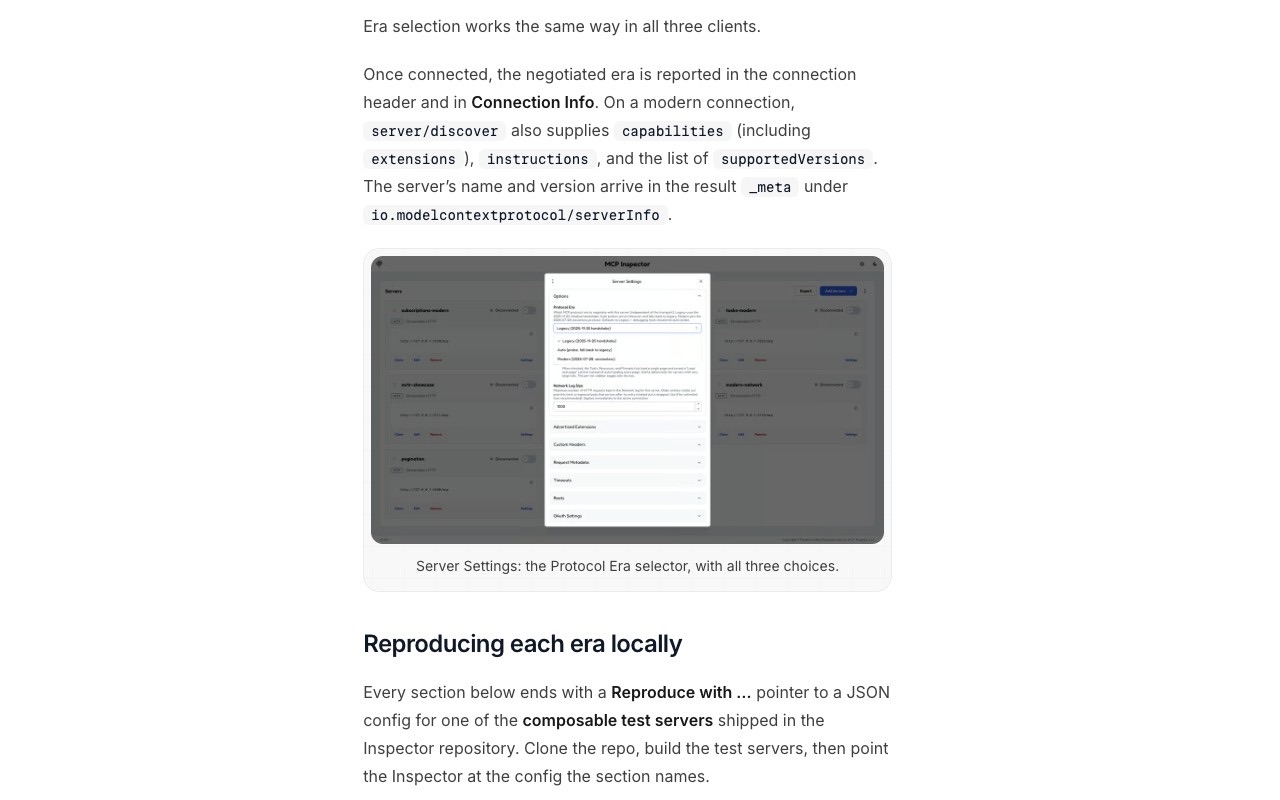
logging/setLevel is gone, and the per-server default is debug.subscriptions/listen, and the Subscriptions section shows a stream-status badge.io.modelcontextprotocol/tasks extension (SEP-2663), so the Tasks tab depends on the negotiated extension rather than on capabilities.tasks.input_required, and the Inspector drives each round by hand in a pending-request modal. The legacy collect_elicitation pattern errors on a 2026-07-28 connection.For a hosted option, a DEV post by Frank Fiegel, posted 17 January, describes a browser inspector at glama.ai that needs no login. The post says requests go straight from the browser to the server and are not proxied, logged or stored. The same post recommends the official Inspector for local stdio work. Other testing and debugging listings sit in the developer tools category on aiagentslisting.com.
@modelcontextprotocol/inspector and requires Node 22.19.0 or newer.isError: true, so CI chains stop on a failed call.--config is read-only, and --catalog is the file the web UI can edit.--transport unless it ends in /mcp or /sse.MCP Inspector needs Node 22.19.0 or newer, as the 2026-07-28 reference docs state. npm only warns about an older engine unless engine-strict is set, so check node -v before you install.
Yes. Pass --server-url with --transport http, or enter the Streamable HTTP URL in the web client. The Auth0 guide walks through the same web client steps against a local server at http://localhost:3001/mcp, with OAuth.
Yes, with the CLI. Use --method for the request and --format json for parsing, and add --stored-auth-only so the run never waits for a browser login. Exit codes 3 and 4 separate an authentication failure or an unreachable server from a tool error, which is code 5.
To compare the servers you test with this tool, browse the MCP servers hub on aiagentslisting.com.
One email a week. New agents, MCP servers and skills, and what is actually getting traction.
A comparison of seven AI sales agents for 2026, covering what each one automates, who it fits, and what it costs.
9 min read
AI agent guardrails are the enforceable checks that keep autonomous agents inside safe limits. How OpenAI, LangChain, NVIDIA and AWS build them, and when to use each type.
3 min read
MCP resources vs tools comes down to who decides when each is used: the model calls tools, the application loads resources. Here is how the two differ and when to use each.
6 min read