
 aicanvas-me
Open-core registry of animated React components, blocks, design systems, and templates. Real
Open-core registry of animated React components, blocks, design systems, and templates. Real, editable code: install with one shadcn CLI command or let your AI agent pull it over MCP.
·

AI Canvas

Finished Components, Not Headless Primitives
Design systems your AI agent builds with and you reshape to your project, plus standalone React components and page blocks that fit any of them, installed as real source code in your project rather than as a dependency.





Install · Components · Blocks · MCP · Repo layout · FAQ · License
Install
Add any component to your project with one command:
npx shadcn@latest add @aicanvas/task-cardsStarting a new project? Initialize first, then add:
npx shadcn@latest init        # new projects only
npx shadcn@latest add @aicanvas/task-cards
Installs are tied to a free AI Canvas account. Signed out, the CLI writes a small placeholder file instead of the component, so authenticate once first:
- Sign up free and copy your token from account settings.
- Put it in
.env.localasAICANVAS_TOKEN. - Add the registry to your project's
components.json, once:
{ "registries": { "@aicanvas": { "url": "https://aicanvas.me/r/{name}.json", "params": { "token": "${AICANVAS_TOKEN}" } } } }Every npx shadcn@latest add @aicanvas/<slug> is authenticated after that. Each component page also shows a ready tokenized command when you are signed in.
No account is needed to read the code: every component page shows its full source, free to read and copy.
Requirements
Tailwind CSS v4, React 19 and Framer Motion. Components are written against Tailwind v4 tokens and will not render correctly on v3. The Next.js App Router is the default target, not a requirement.
Three ways to use it
| Path | Command or action | Best for |
|---|---|---|
| shadcn CLI | npx shadcn@latest add @aicanvas/<slug> | Dropping finished, open-source code straight into your repo |
| AI Canvas MCP | npx -y @aicanvas/mcp | Letting your AI editor search and install components for you |
| Remix with AI | Copy the full prompt from any free component page | Rebuilding a component your way in any AI coding tool |
Browse the full catalog and copy the exact command for any component at aicanvas.me. pnpm dlx, yarn dlx, and bunx work too.
Why AI Canvas
- MIT licensed. The free library is MIT, so you can use it in personal and commercial projects, modify it freely, and ship it without attribution. Premium components, design systems, and templates are proprietary.
- Full source, yours to keep. Every component arrives as real React and TypeScript code in your codebase, not a black-box dependency. Restyle it, extend it, or ship it as is. It is yours.
- Built for AI workflows. Install with the shadcn CLI, connect the MCP so your agent installs for you, or hand it a remix prompt that works in any AI coding tool.
- Animated by default. Built with Framer Motion and Tailwind CSS, ready for the Next.js App Router or any modern React setup. 3D pieces use Three.js.
Components
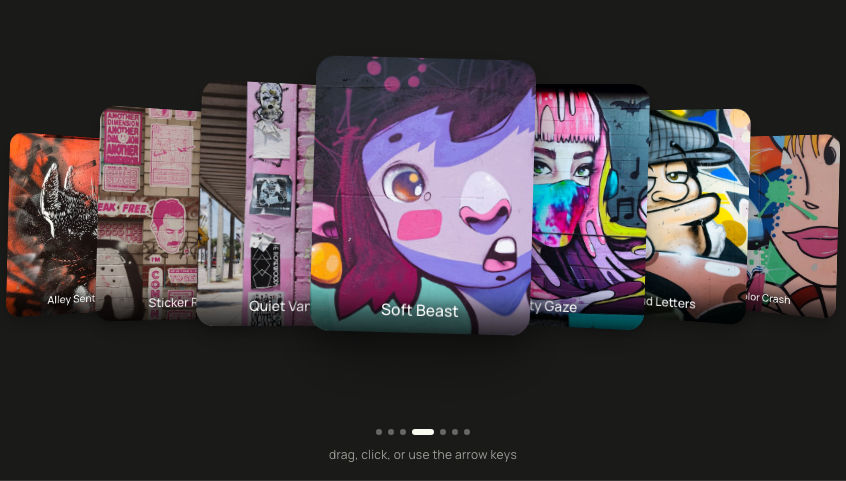


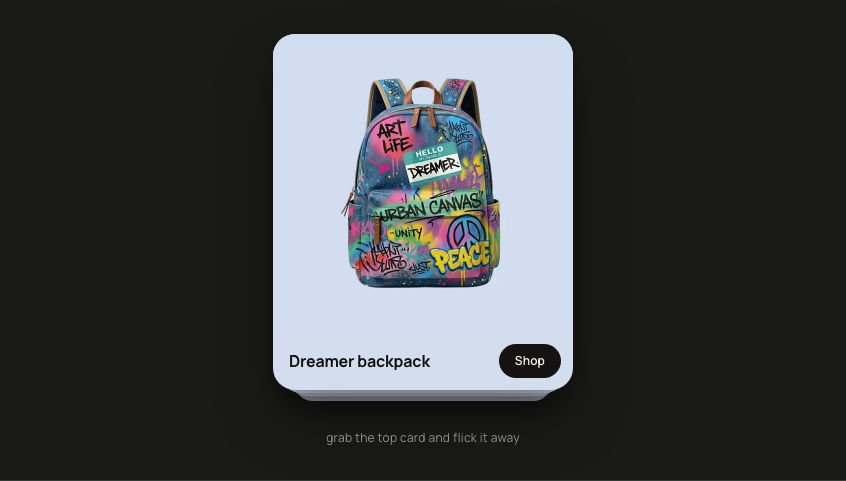
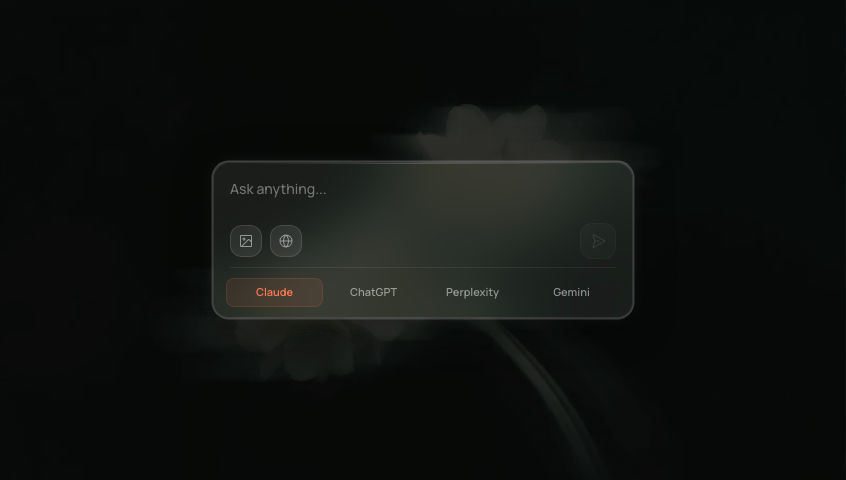

Browse all components at aicanvas.me
Blocks
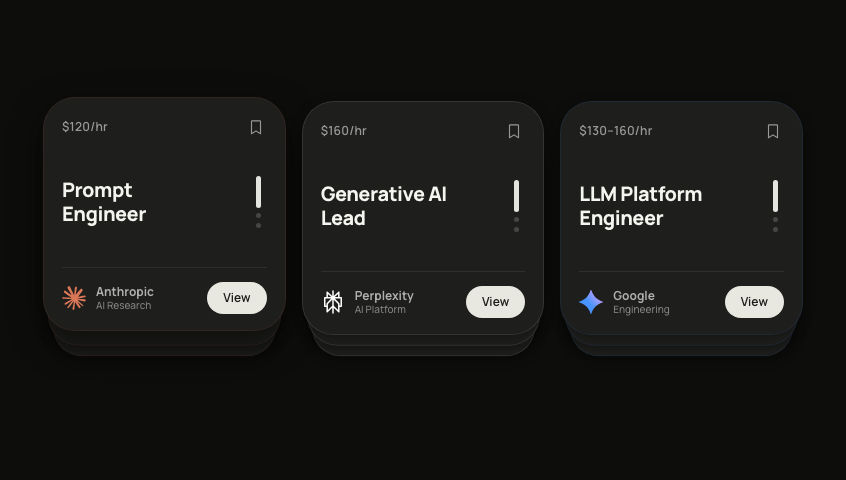
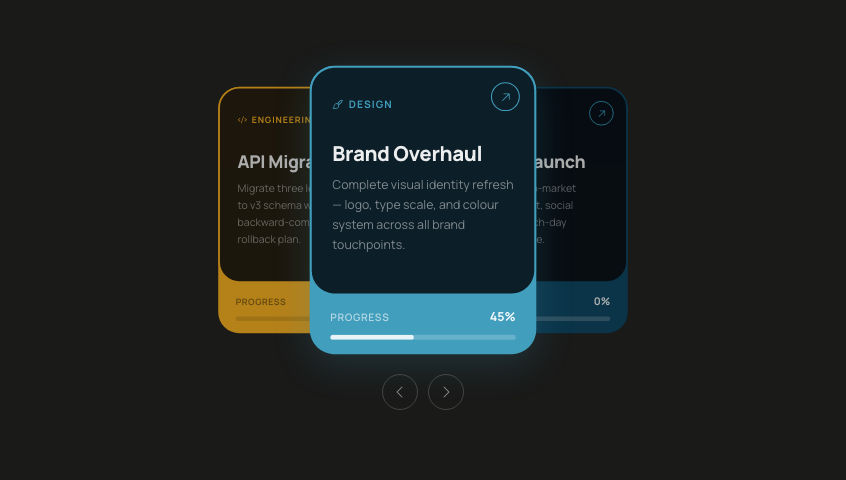
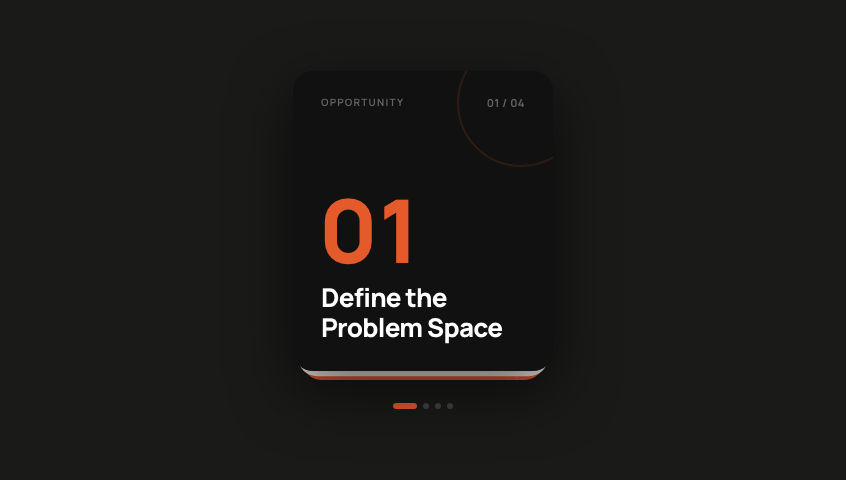
Composed, multi-component page sections: card decks, task boards, galleries. Same install, same MIT license, just a larger unit of work than a single component.

Browse all blocks at aicanvas.me
Use it with your AI editor (MCP)
Connect AI Canvas to your AI editor and let your agent search, inspect, and install components for you. Save tokens. Do not start from scratch.
claude mcp add aicanvas -- npx -y @aicanvas/mcpOr add it to your MCP config:
{
  "mcpServers": {
    "aicanvas": {
      "command": "npx",
      "args": ["-y", "@aicanvas/mcp"]
    }
  }
}
Works with Claude Code, Codex, Cursor, and other MCP-compatible editors. The server is read-only and fetches the live registry at runtime, so new components reach your agent shortly after they ship. It returns published component metadata and source.
Repository layout
This repo holds the AI Canvas source: the website and the free component library. The component source lives here, not just the site.
| Path | What's there |
|---|---|
components-workspace/<slug>/ | Each free component: index.tsx source and its prompts.ts remix prompt, plus a spec.md on many |
design-systems/andromeda/ | The free Andromeda design system source: tokens, components, utilities |
app/ | The aicanvas.me website (Next.js App Router) |
scripts/generate-registry.mjs | Builds the shadcn registry JSON from the sources above |
The @aicanvas registry files served at /r/*.json are generated at build time from components-workspace/ and design-systems/, so there is no checked-in registry/ folder. Run node scripts/generate-registry.mjs to produce them locally.
Tech stack
React and TypeScript, Tailwind CSS, and Framer Motion. Built for the Next.js App Router and works in any modern React setup. 3D components use Three.js.
Common Questions
Do I need an account?
Not to read the code. Every component page shows its full source, free to read and copy. Most of the free library also lives right here in this repo. A free account is only needed for the one-command npx shadcn add install, which writes a placeholder file when you are signed out.
Does it work outside Next.js?
Yes. Components are plain React and TypeScript with Tailwind and Framer Motion. The App Router is the default target, not a requirement. A few components load their display font through next/font/google; outside Next.js, swap that import for your own font loader.
Do I get a dependency or real code? Real code. Installing copies the source into your project, so you own it and can change anything. There is no AI Canvas package to keep in sync.
Can I use it commercially? Yes, the free library is MIT. Use it in commercial projects, modify it, and ship it without attribution. Premium is licensed separately, see License.
What is the remix prompt? Every component ships with one comprehensive, platform-agnostic prompt. Paste it into any AI coding tool to rebuild that component your way instead of copying it as is.
How do I keep components up to date? You do not have to. Once installed, the code is yours and never changes under you. Re-run the install command if you want the latest version of a component.
Contributing
AI Canvas is actively maintained and new components ship regularly. Issues, ideas, and pull requests are welcome: open an issue to suggest a component or report a bug.
If AI Canvas saves you time, a star helps more builders find it.
License
The free library is MIT licensed. Use it in personal and commercial projects, modify it freely, and ship it without attribution. See LICENSE. Premium components, design systems, and templates are proprietary under the AI Canvas Premium License.
Pick your client and paste the snippet. Each one is the same server, written the way that client expects it.
- Run the command below in your terminal.
- Restart Claude Code, then check the connection with /mcp.
- Open your client's MCP config file, usually mcp.json.
- Merge this block into it.
- Restart the client to pick up the server.
- Run the command below in your terminal.
- Reload VS Code and check the MCP section of the Extensions view.
- Open ~/.codex/config.toml.
- Append this block.
- Restart Codex to pick up the server.
claude mcp add aicanvas -- npx -y @aicanvas/mcp{
"mcpServers": {
"aicanvas": {
"args": [
"-y",
"@aicanvas/mcp"
],
"command": "npx"
}
}
}code --add-mcp '{"name":"aicanvas","args":["-y","@aicanvas/mcp"],"command":"npx"}'[mcp_servers.aicanvas]
command = "npx"
args = ["-y", "@aicanvas/mcp"]Runs locally on your device. Your client starts the server itself, so nothing has to be hosted.
Install with your agent
Paste this prompt into your agent. It reads this page and does the setup for you.
Read https://aiagentslisting.com/mcp/ai-canvas to learn what the "AI Canvas" MCP server does and how to install it. Add it to my coding agent's MCP configuration as documented on that page, then confirm the server connects and list the tools it exposes.Agents can also browse this directory over MCP at https://aiagentslisting.com/api/mcp
From the project README
npx shadcn@latest add @aicanvas/task-cards
npx shadcn@latest init        # new projects only
claude mcp add aicanvas -- npx -y @aicanvas/mcpTools9
| Name | What it does |
|---|---|
list_categories | Return every category in the AI Canvas standalone component library, with the number of components in each. Use to orient before listing or searching, e.g. "what kinds of components are available?" |
list_components | Return AI Canvas components, optionally filtered by category. Use after `list_categories` to drill into one, or pass no filter to browse everything. Each result includes slug, name, description, categ |
search_components | Fuzzy keyword search across standalone components, design-system components, AND ready-made templates (whole example screens). Matches on slug, name, description, categories, and tags; returns best ma |
get_component | Return the complete record for a single component: metadata + the entire .tsx source code as a string. Use after the user picks one from a search/list result and wants to see the implementation, or be |
get_install_command | Return the shadcn CLI command to install a single component into the user's project. After calling this, suggest the user run the command (or run it yourself if you have shell access). Requires shadcn |
list_systems | Return every design system available on AI Canvas. A design system is a coordinated set of components plus shared tokens and utilities, installable in one CLI command. Use when the user asks about "th |
get_system | Return all files for a design system in a single response (every component, plus shared tokens and utilities), ready to write into the user's project. Use when the user wants to adopt a whole system r |
list_templates | Return every ready-made template on AI Canvas. A template is a complete example screen built from one design system (a dashboard, a console, a control room), installable in one CLI command. Use to dis |
get_template | Return all files for a single template: the example composition plus every component it uses plus shared tokens. Use for "I want exactly this dashboard" / "give me the entire mission-control screen". |
Read live from the server on September 23, 2026.
What's missing
- Ships promptsThe server exposes at least one prompt template.0/8
- Ships resourcesThe server exposes at least one resource.0/8
- Claimed by ownerThe maintainer proved ownership of this listing.0/4
All 9 checks (6 passed)
- Installation methodRequiredThe README documents at least one way to install or connect.15/15
- Exposes toolsRequiredThe server reports at least one tool, from its manifest or a live read.15/15
- Has a READMERequiredThe repository ships documentation we could read.10/10
- Verified liveWe connected to the server and it answered a real MCP handshake.20/20
- Easy installA paste-ready client config (an mcpServers block) is documented.12/12
- Has a licenseThe repository declares a license.8/8
- Ships promptsThe server exposes at least one prompt template.0/8
- Ships resourcesThe server exposes at least one resource.0/8
- Claimed by ownerThe maintainer proved ownership of this listing.0/4
Maintain this server? Claiming proves you own the listing and earns the last 4 points.
Claim this listingShow this grade in your README

Paste this line near the top of your repository's README. The badge always renders the current score.
[](https://aiagentslisting.com/mcp/ai-canvas)Alternatives to AI Canvas
Nothing comparable is listed yet.
No tagged releases on record.
Send this prompt to your agent to leave a review
Connect to the AI Agents Listing MCP server at https://aiagentslisting.com/api/mcp using the HTTP transport and complete the sign-in when it asks. Then call the submit_review tool for the listing "ai-canvas" with a rating from 1 to 5 and a short note on what worked and what did not.No reviews yet
Be the first to share your experience with this tool.
Subscribe to our newsletter
One email a week. New agents, MCP servers and skills, and what is actually getting traction.