
 openreadout
OpenReadout is an open-source reader purpose-built for AI agents to work with raw lab-instrument
OpenReadout is an open-source reader purpose-built for AI agents to work with raw lab-instrument files. Open-source, single binary, no vendor software required.
·
OpenReadout
OpenReadout lets AI agents read and analyze raw files from lab instruments like microscopes, mass specs, flow cytometers, plate readers and NMR. It reads 120+ formats without vendor software, and runs as an MCP server, a CLI, or a Python or R package.
🧪 Try it: browser demo | 📖 Docs: openreadout.github.io/openreadout
Gallery
Light Microscopy
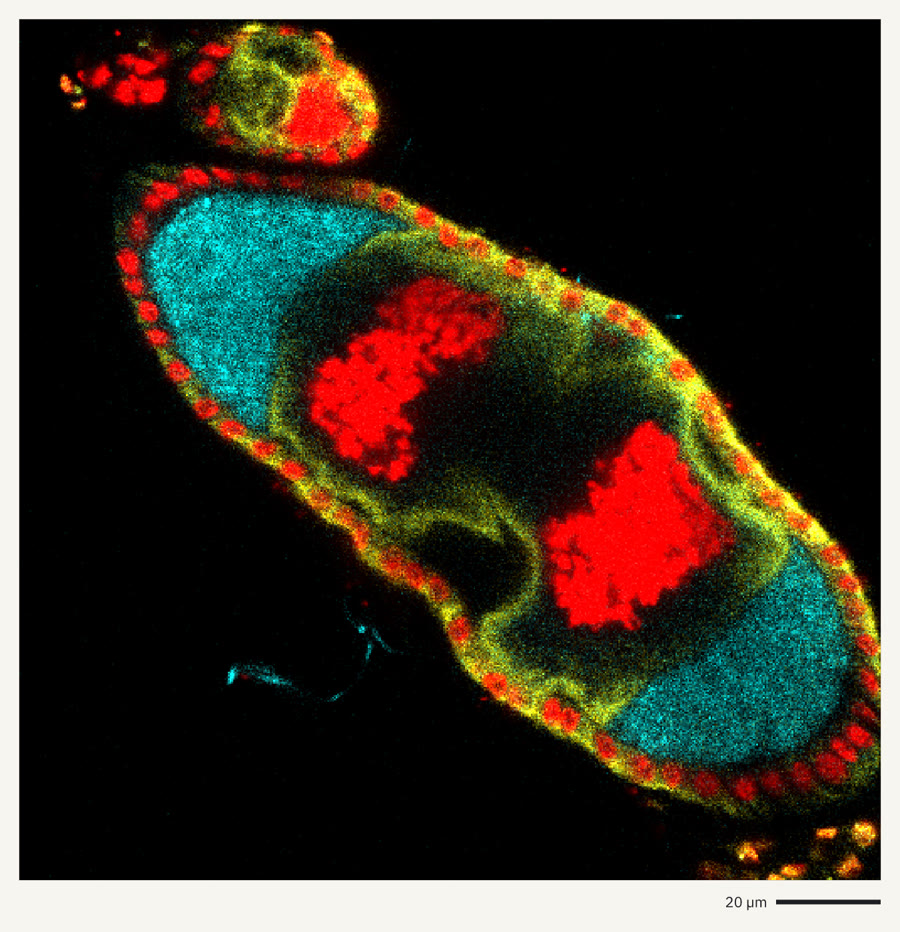 | 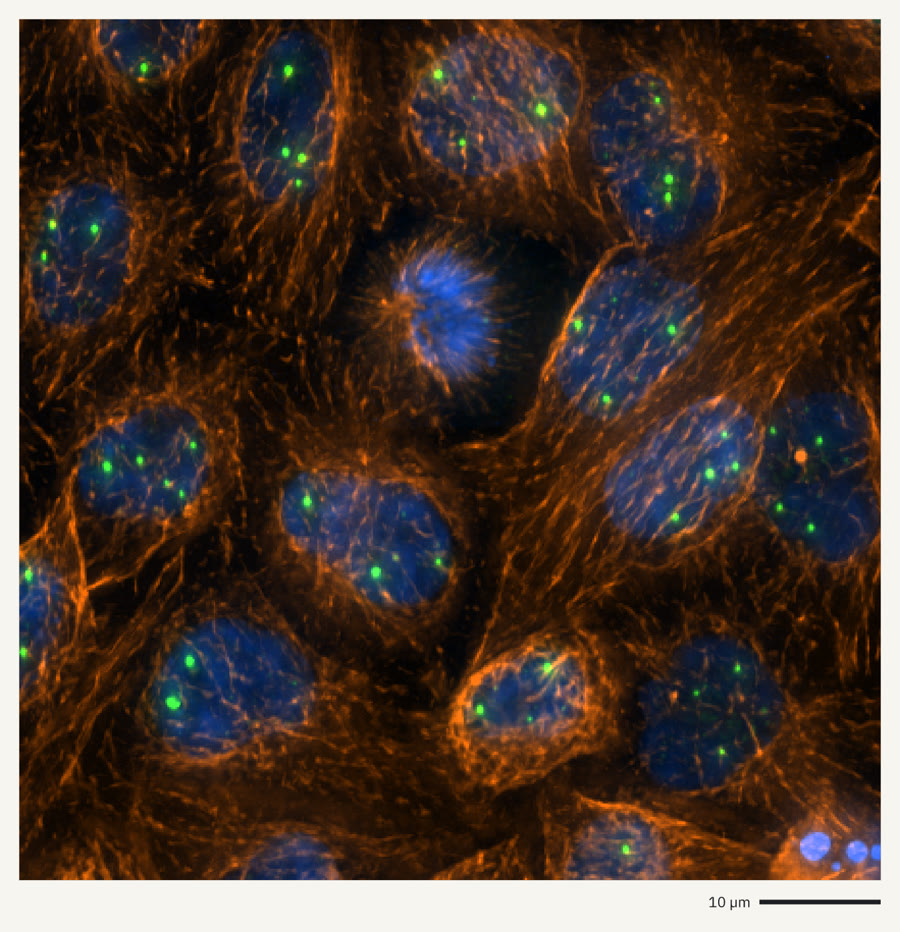 | 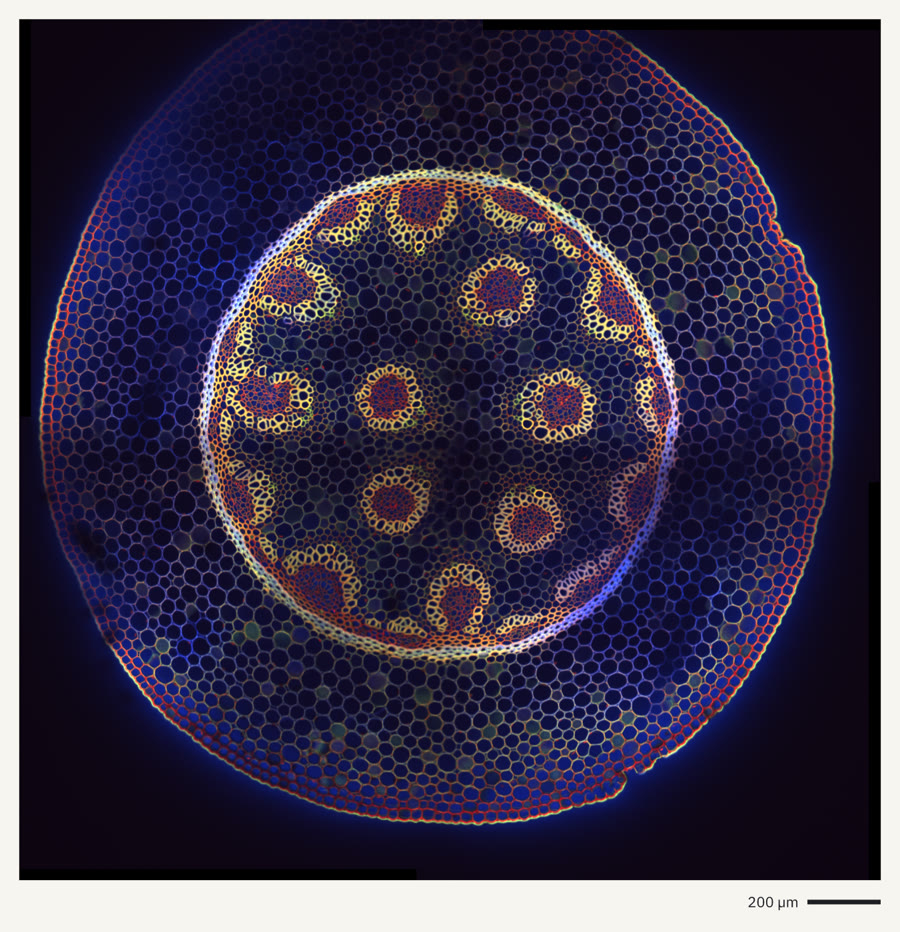 |
| Leica LIF · fly egg chamber | DeltaVision · HeLa cells | Imaris · plant root section |
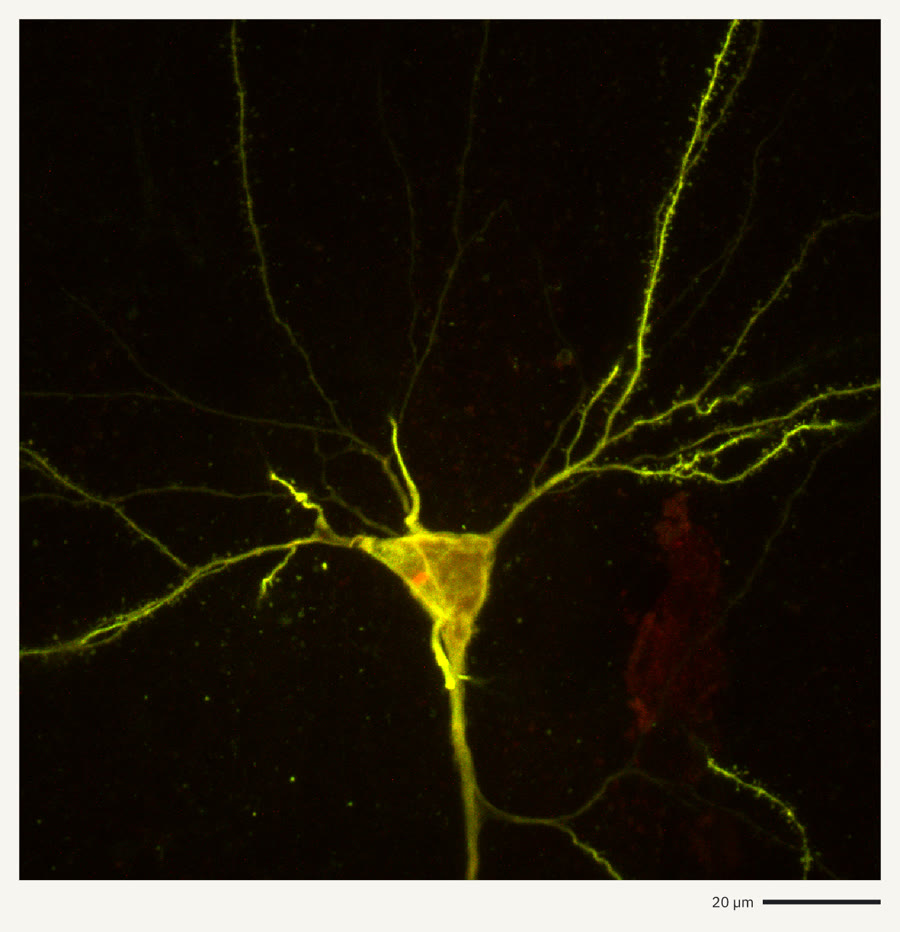 | 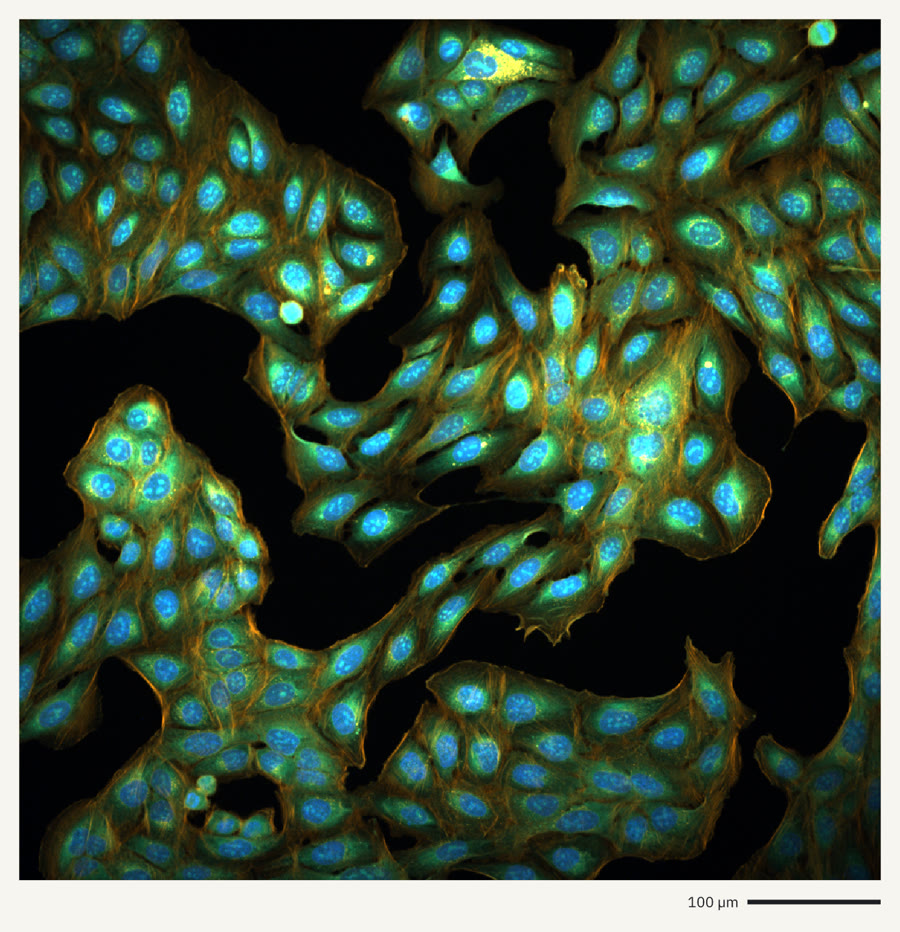 | 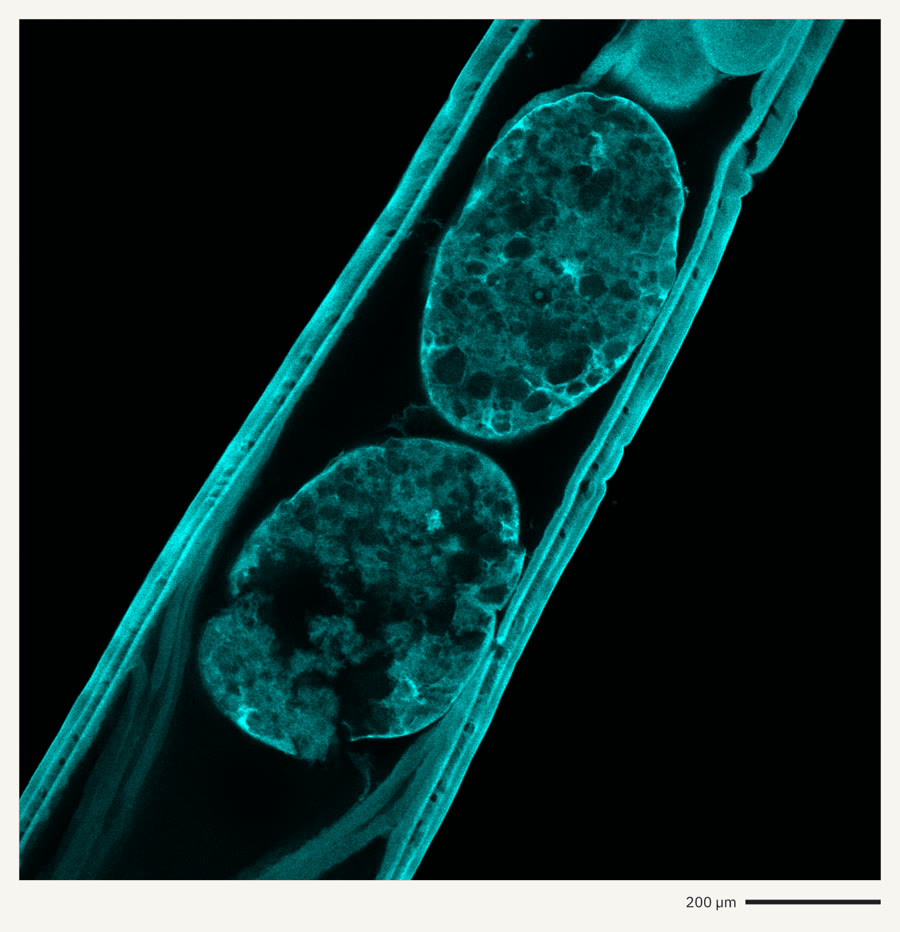 |
| Imaris · a single neuron | Yokogawa CellVoyager · Cell Painting | Evident OIR · testes, confocal |
Electron Microscopy
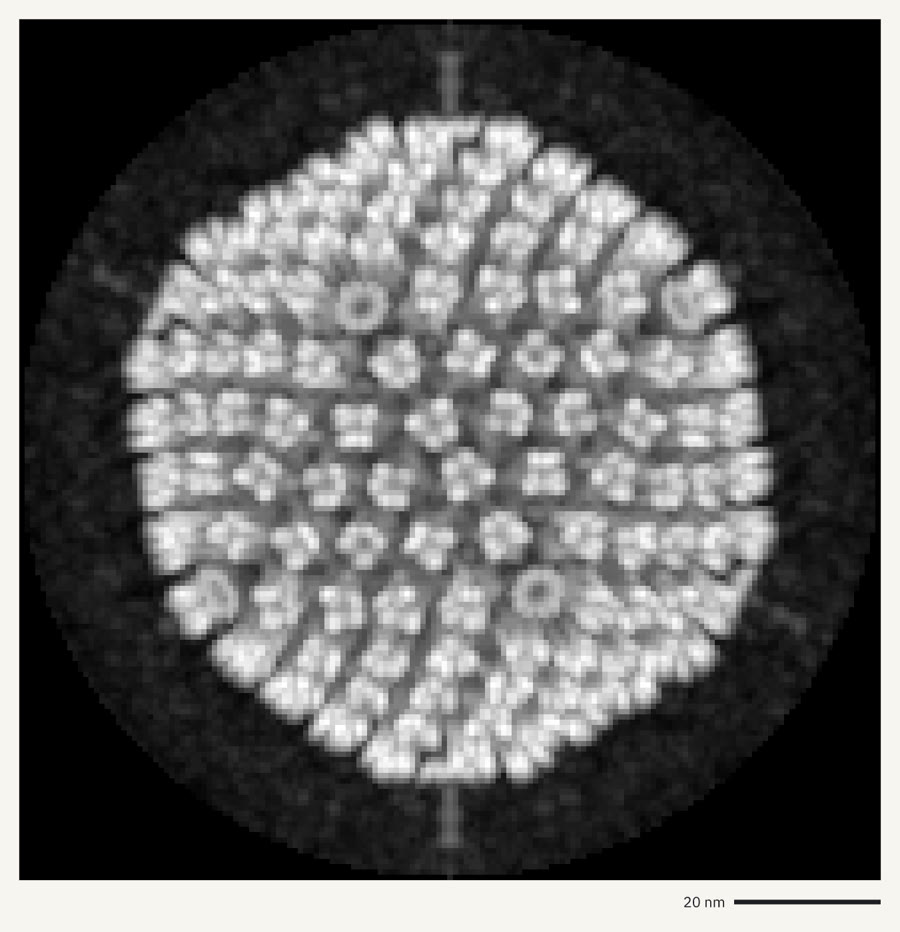 | 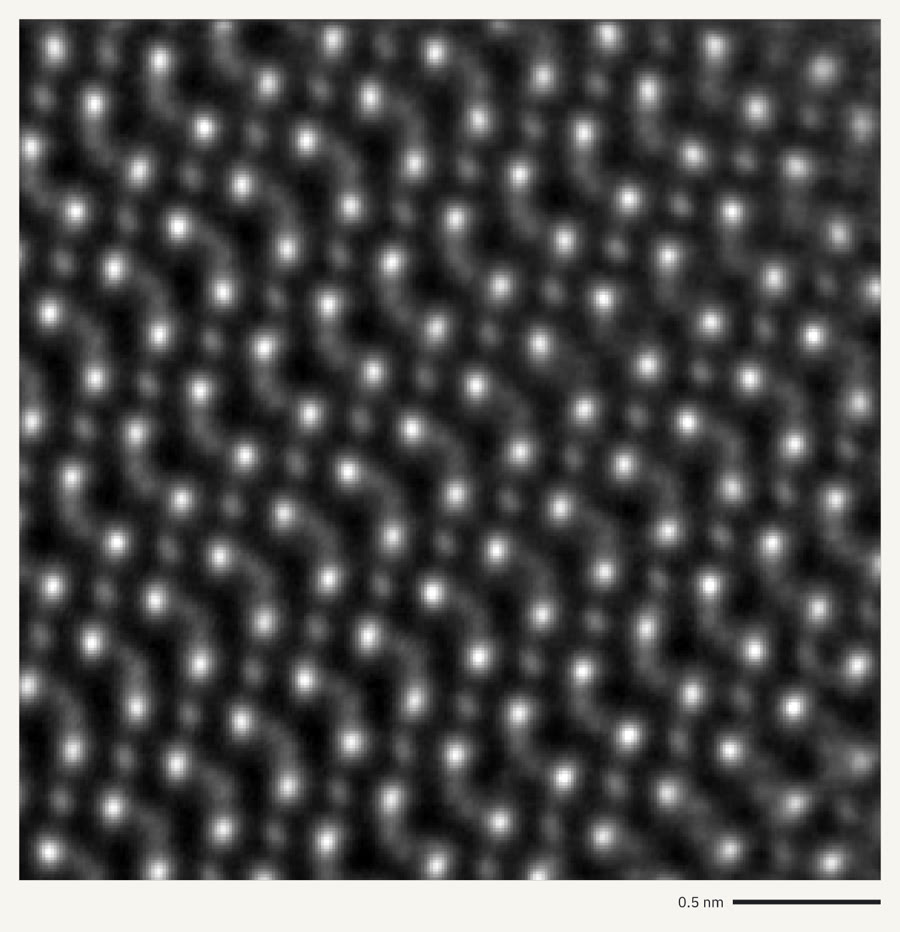 | 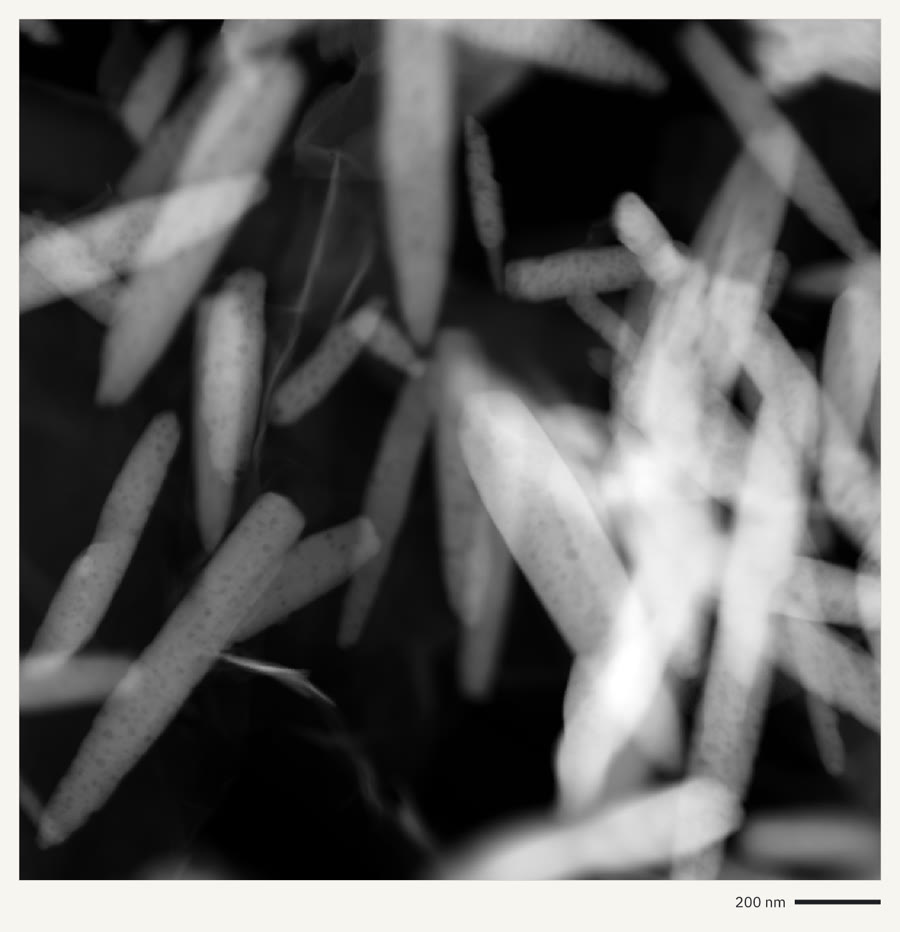 |
| EMDB MRC · virus capsid | Gatan DM3 · atoms by ptychography | Gatan DM4 · ZnO nanorods |
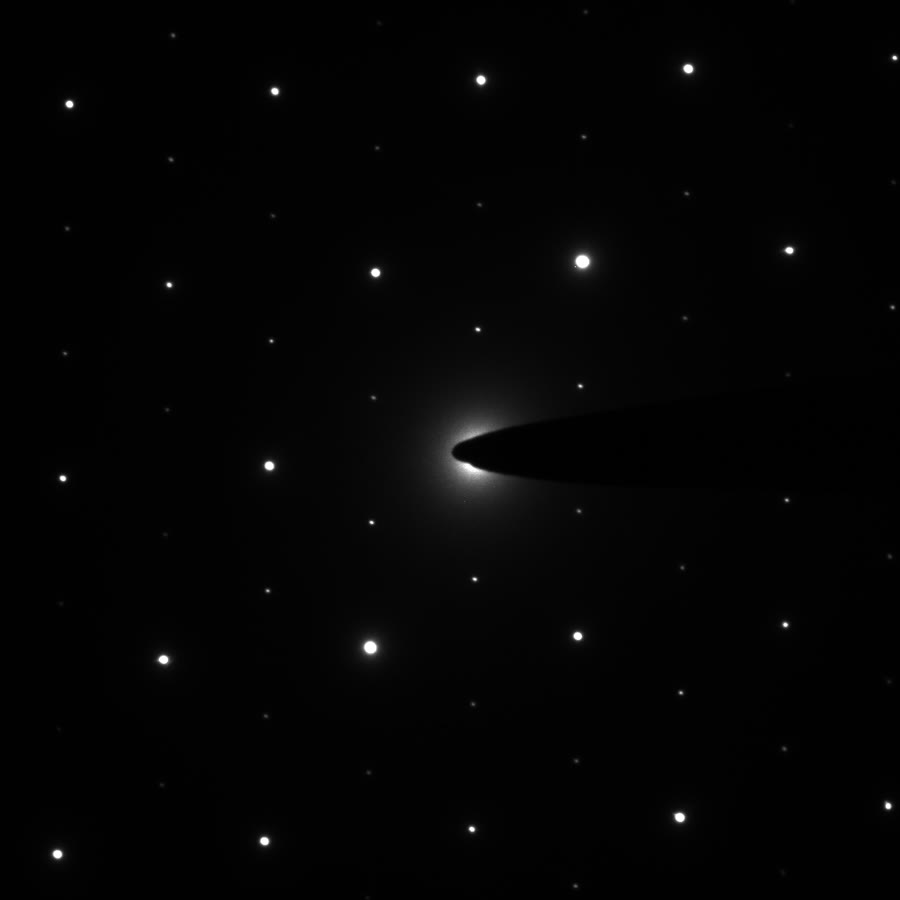 | 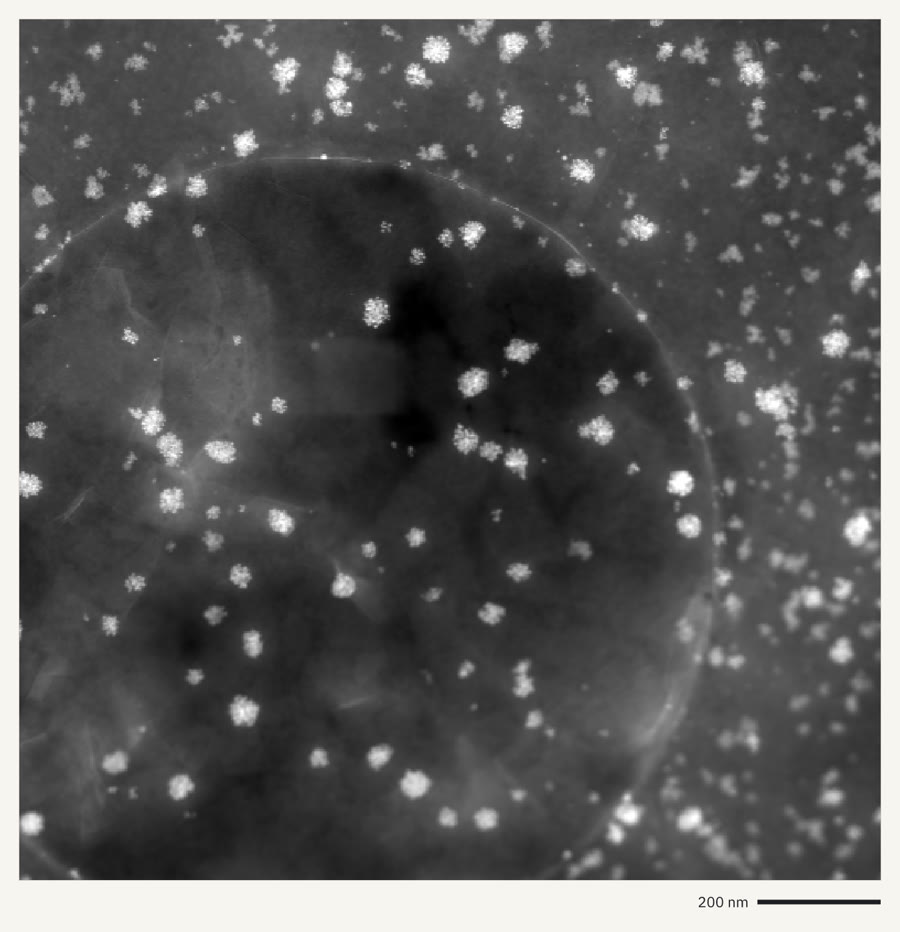 | 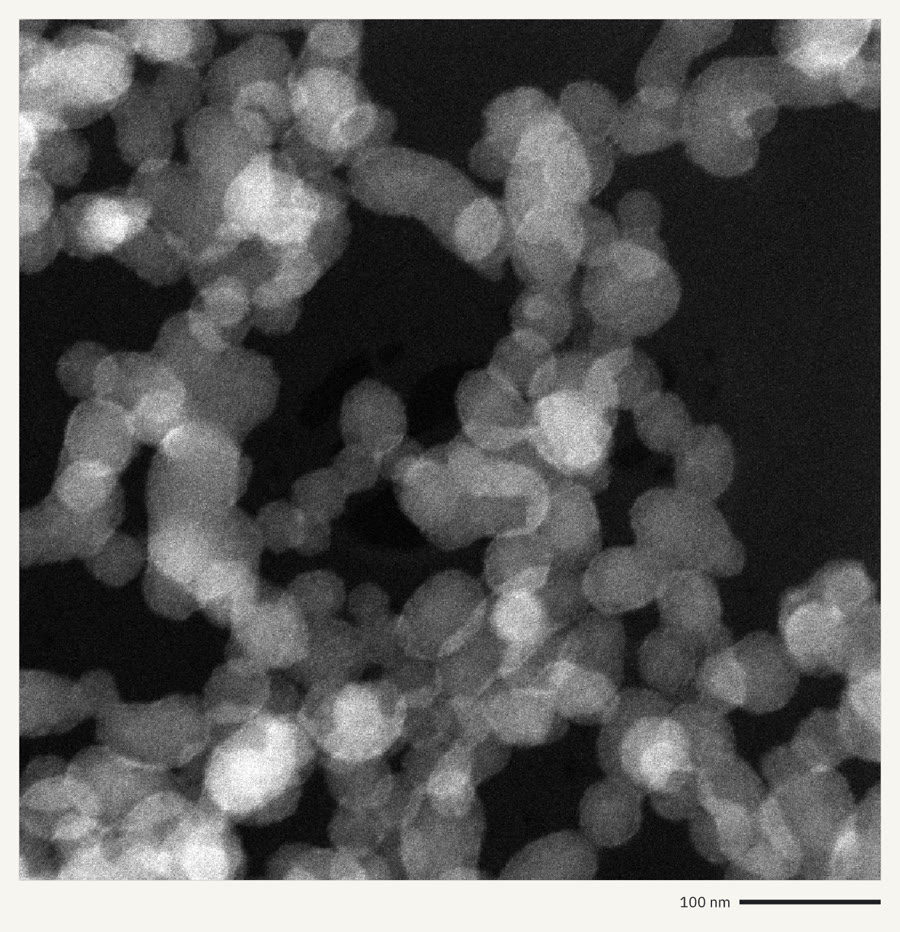 |
| Gatan DM4 · electron diffraction | Velox EMD · STEM HAADF | FEI SER · silica particles |
Figures
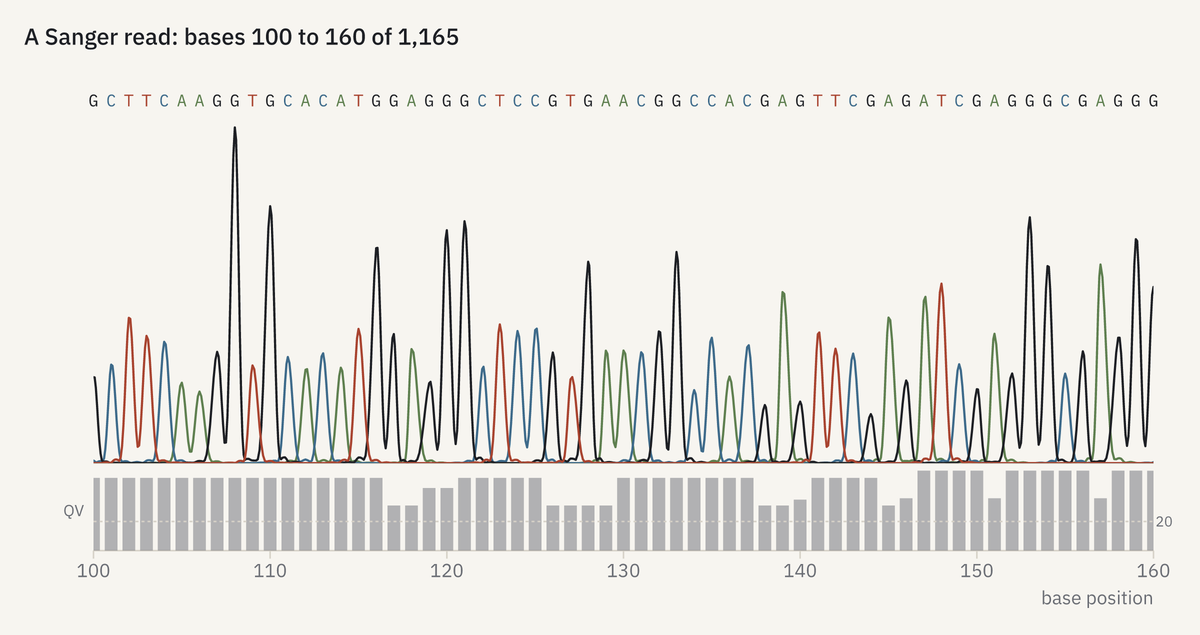 | 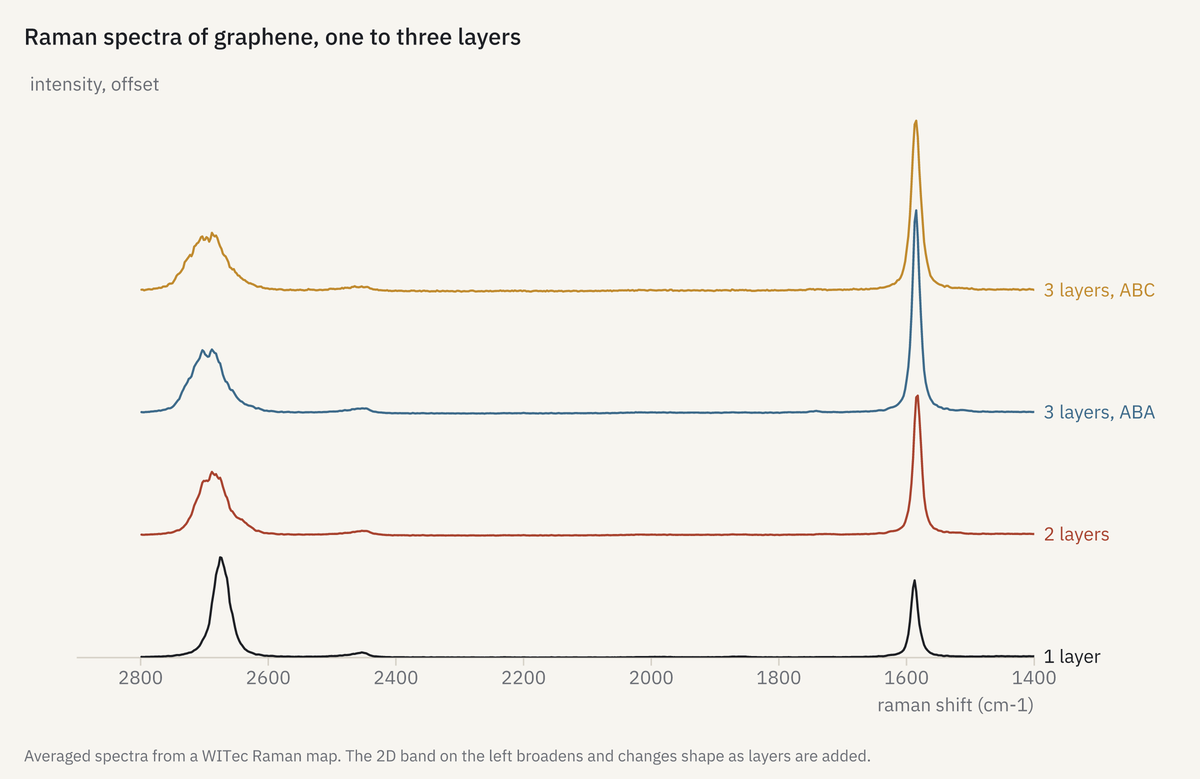 | 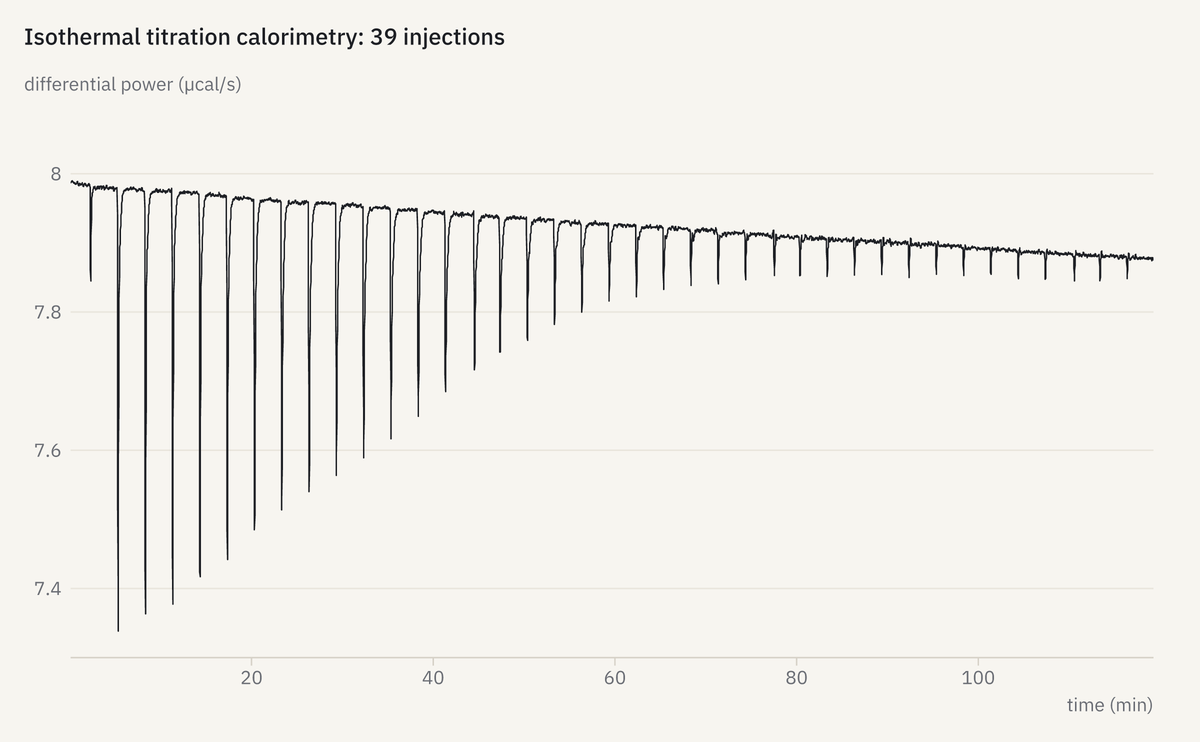 |
| ABI .ab1 · Sanger read | WITec · Raman of graphene | MicroCal ITC · titration |
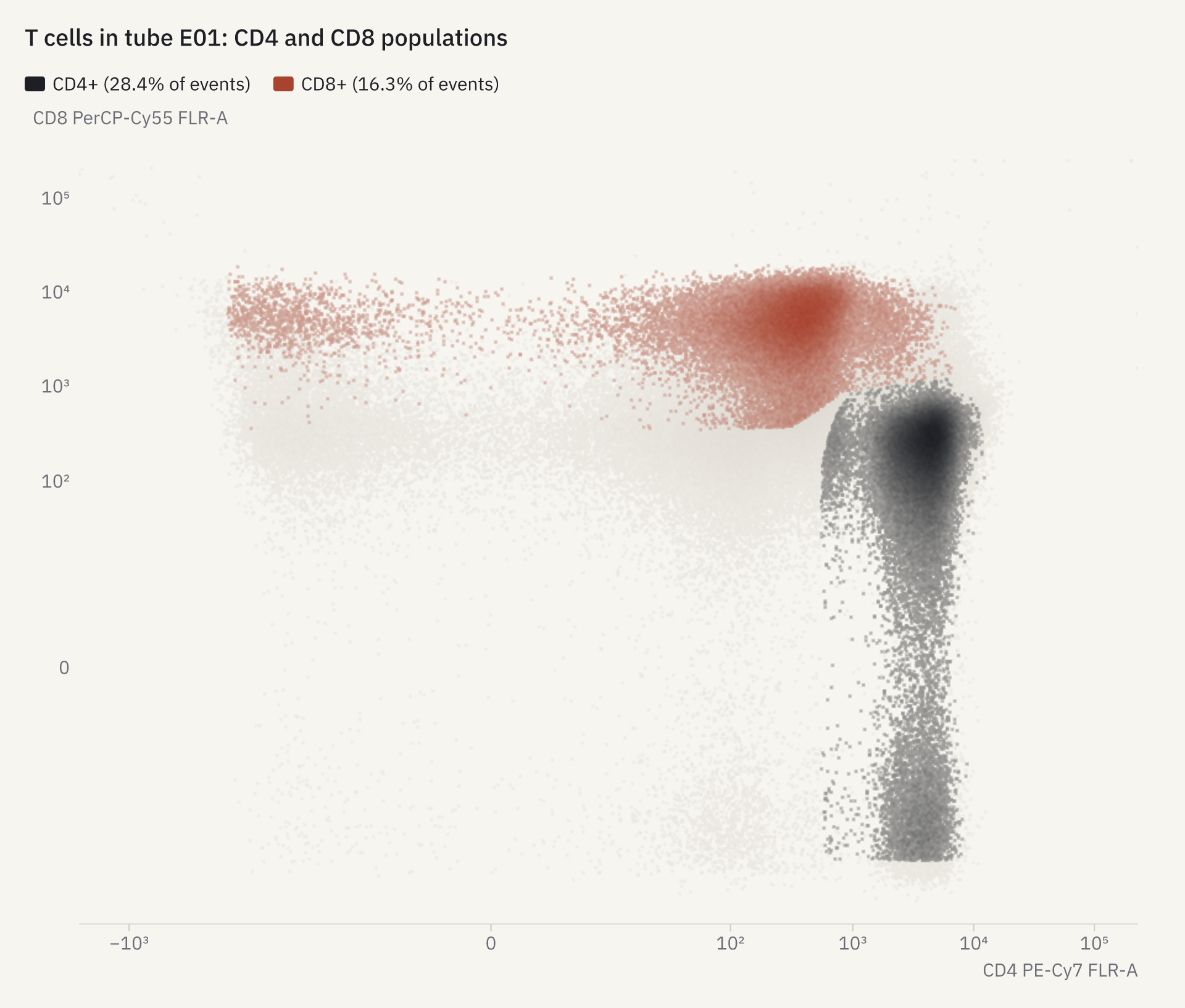 | 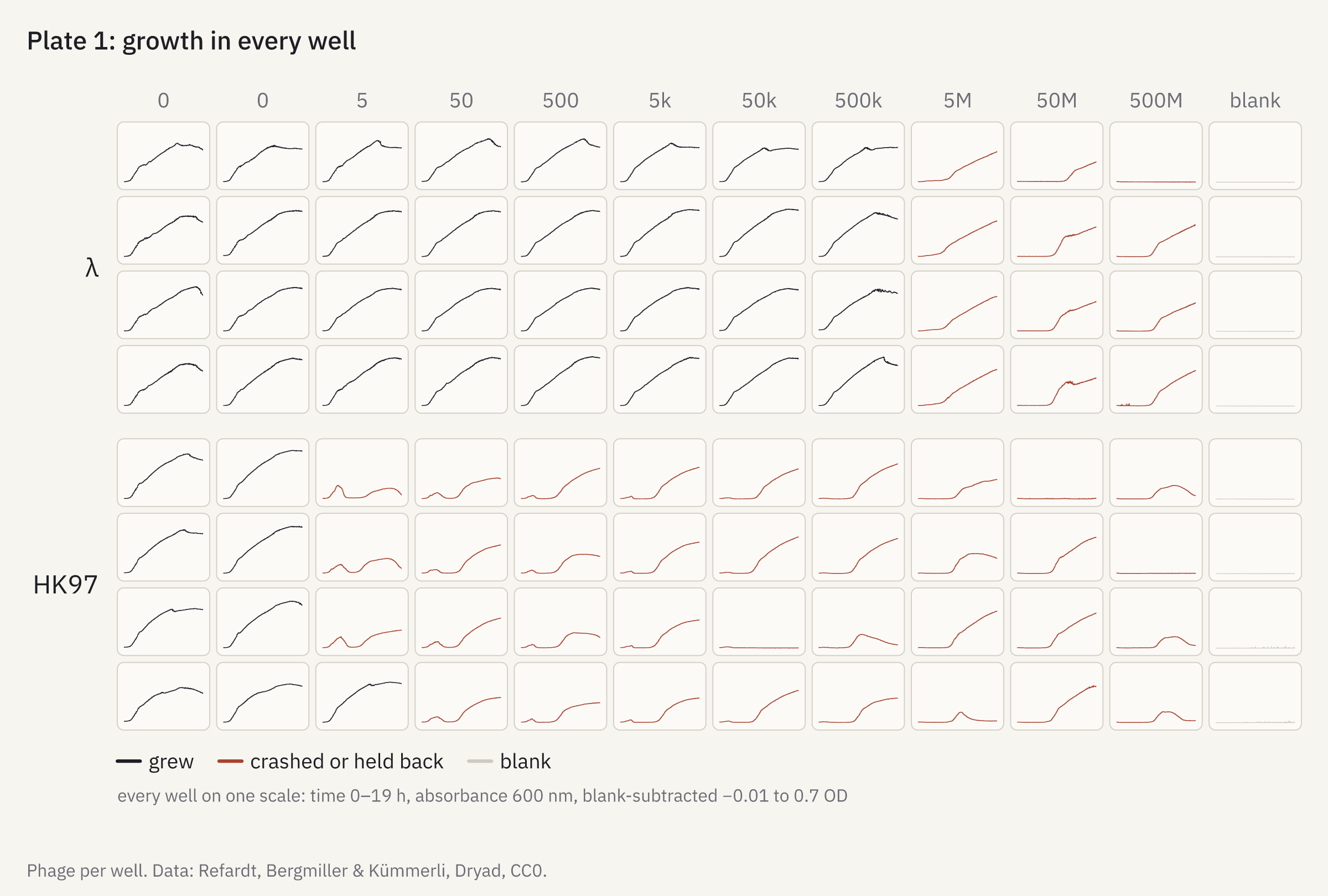 | 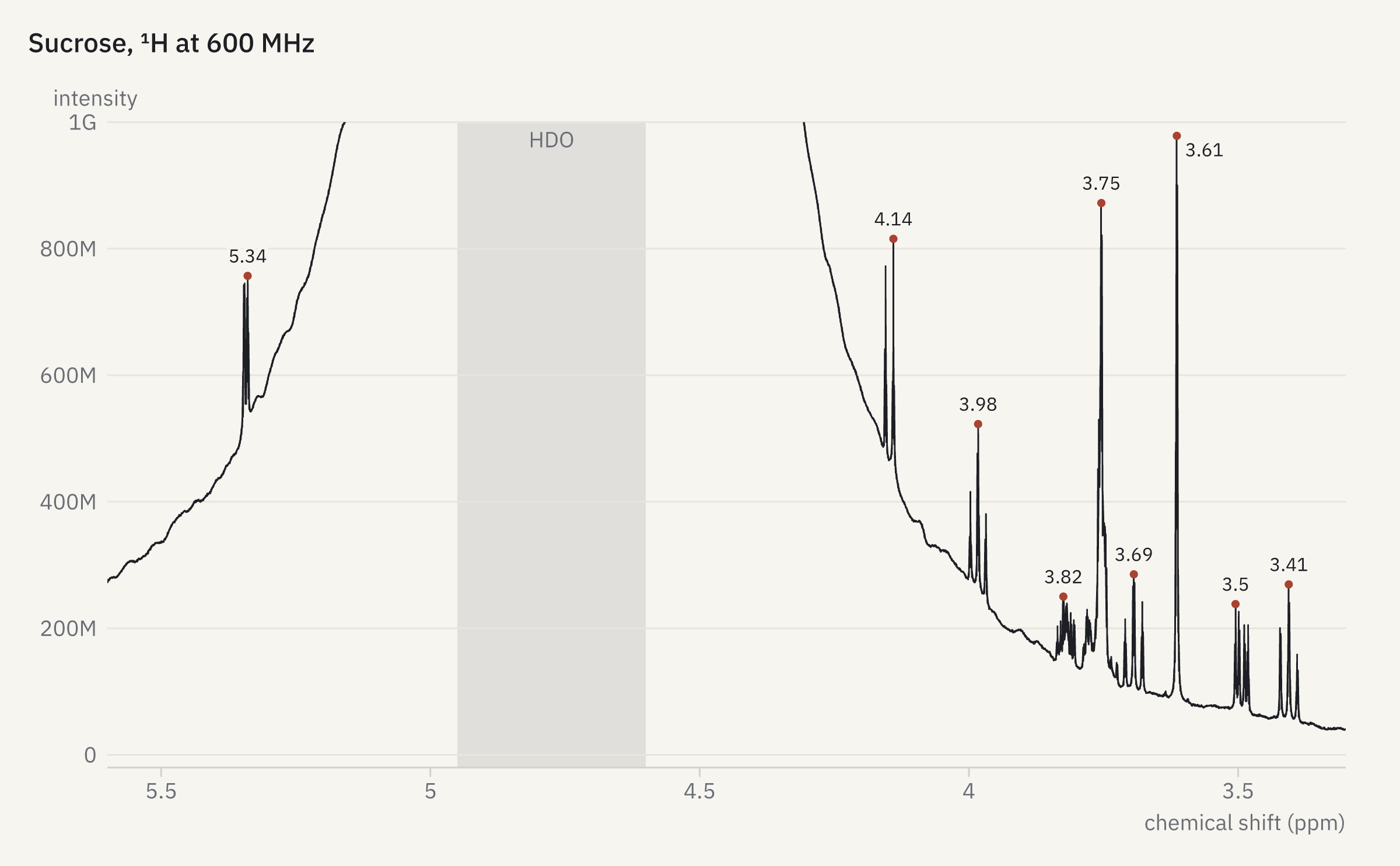 |
| BD FCS + FlowJo · gated T cells | SoftMax .pda · 96 growth curves | Bruker TopSpin · NMR from the FID |
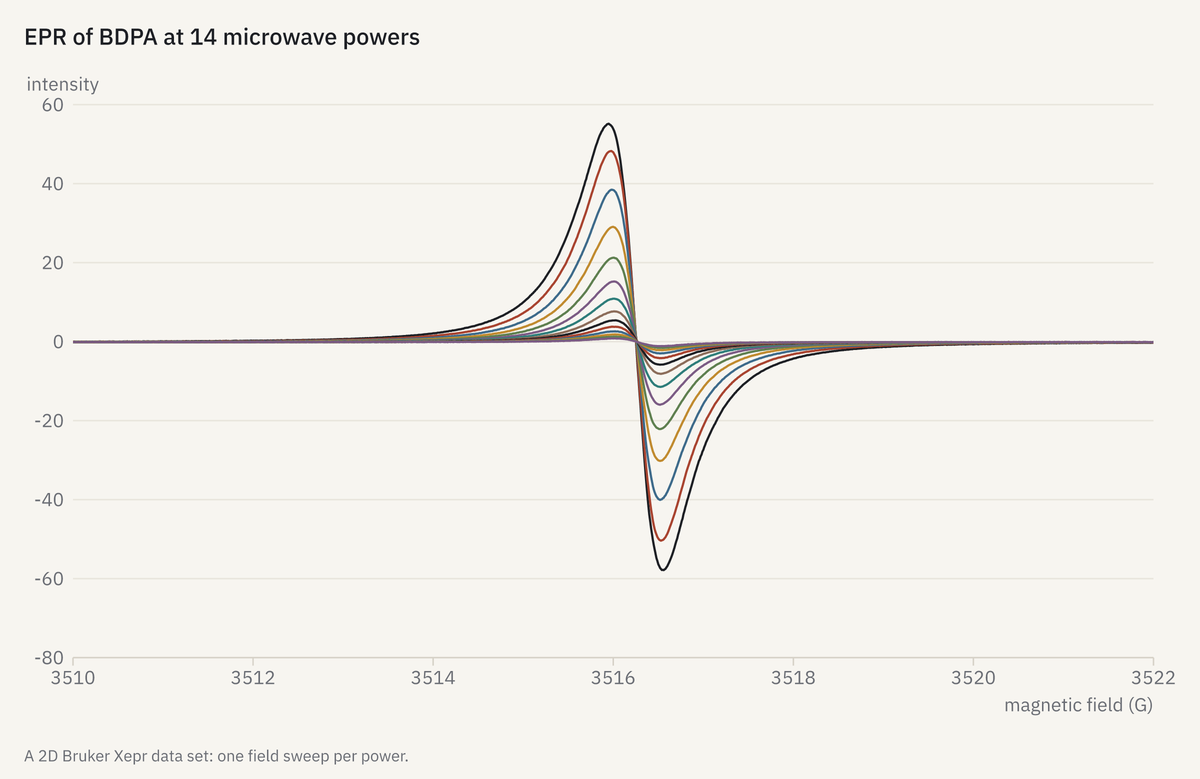 | 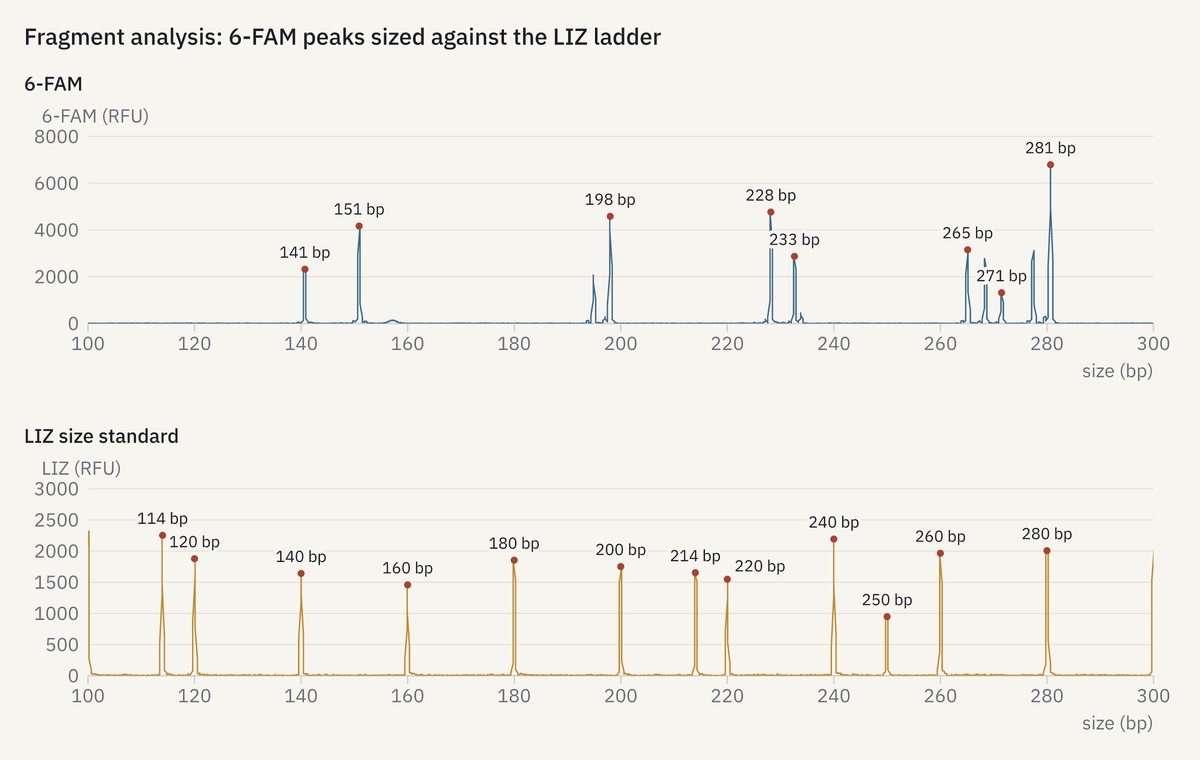 | 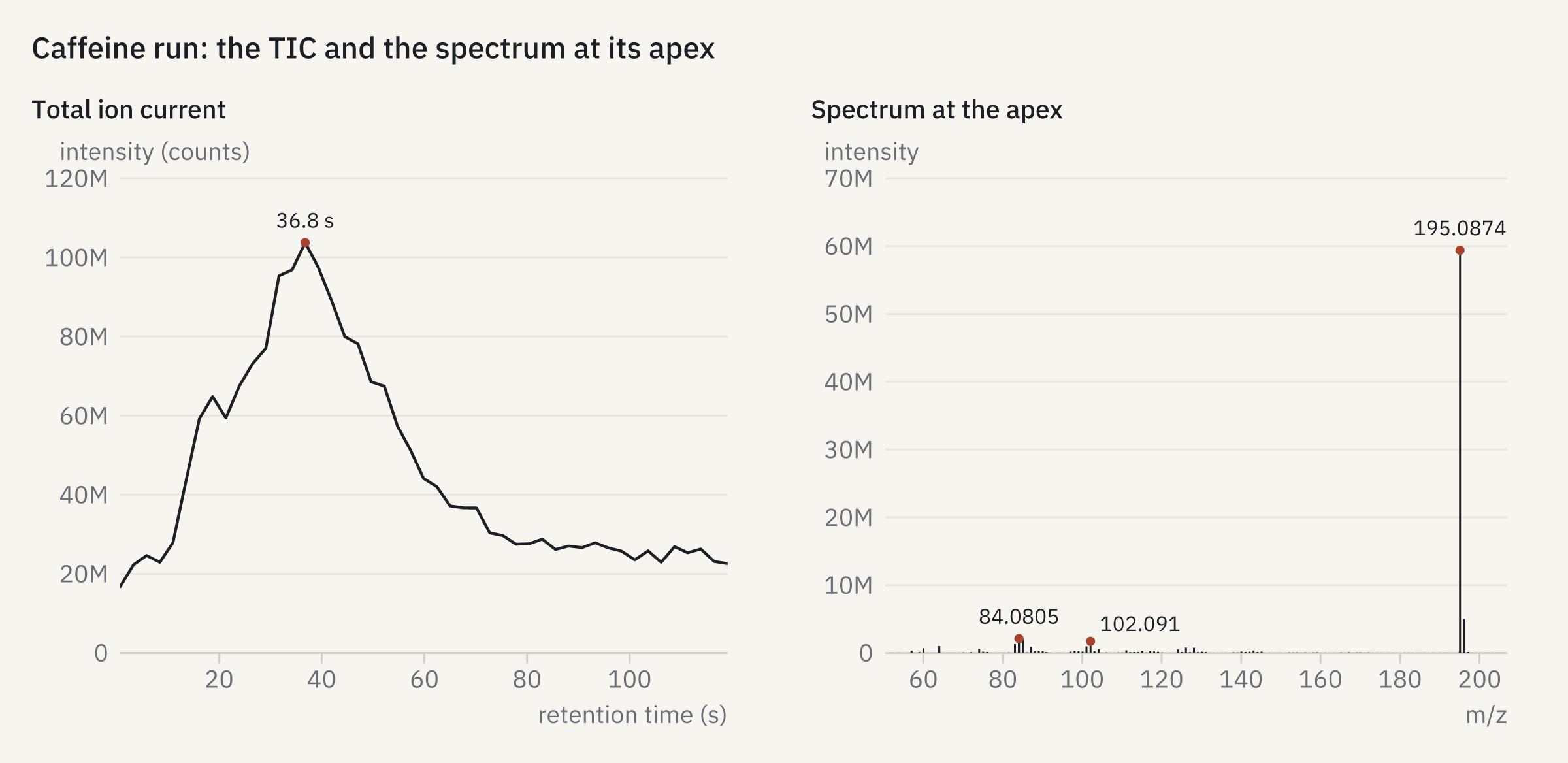 |
| Bruker EPR · power series | ABI .fsa · fragment sizing | mzML · TIC and spectrum |
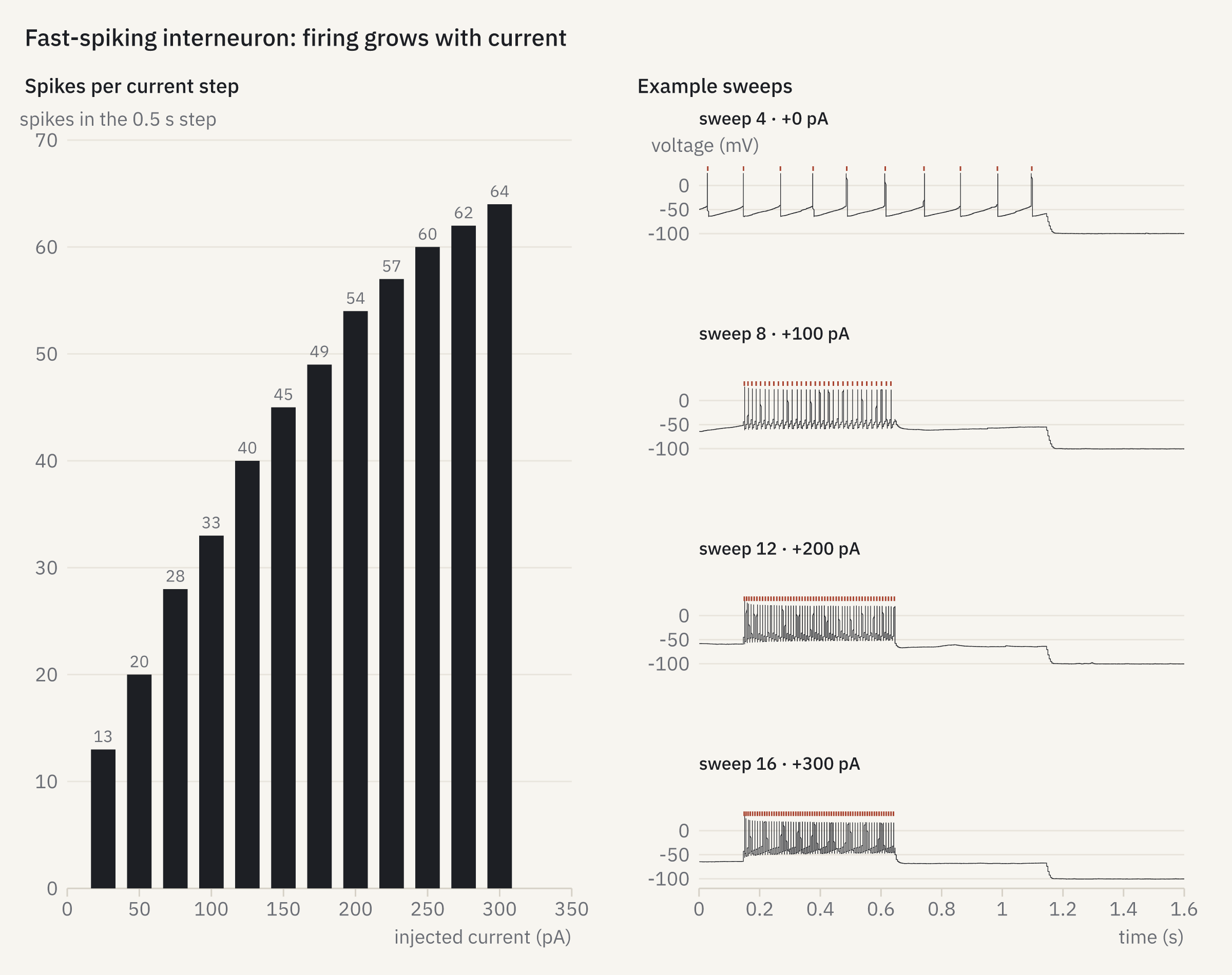 | 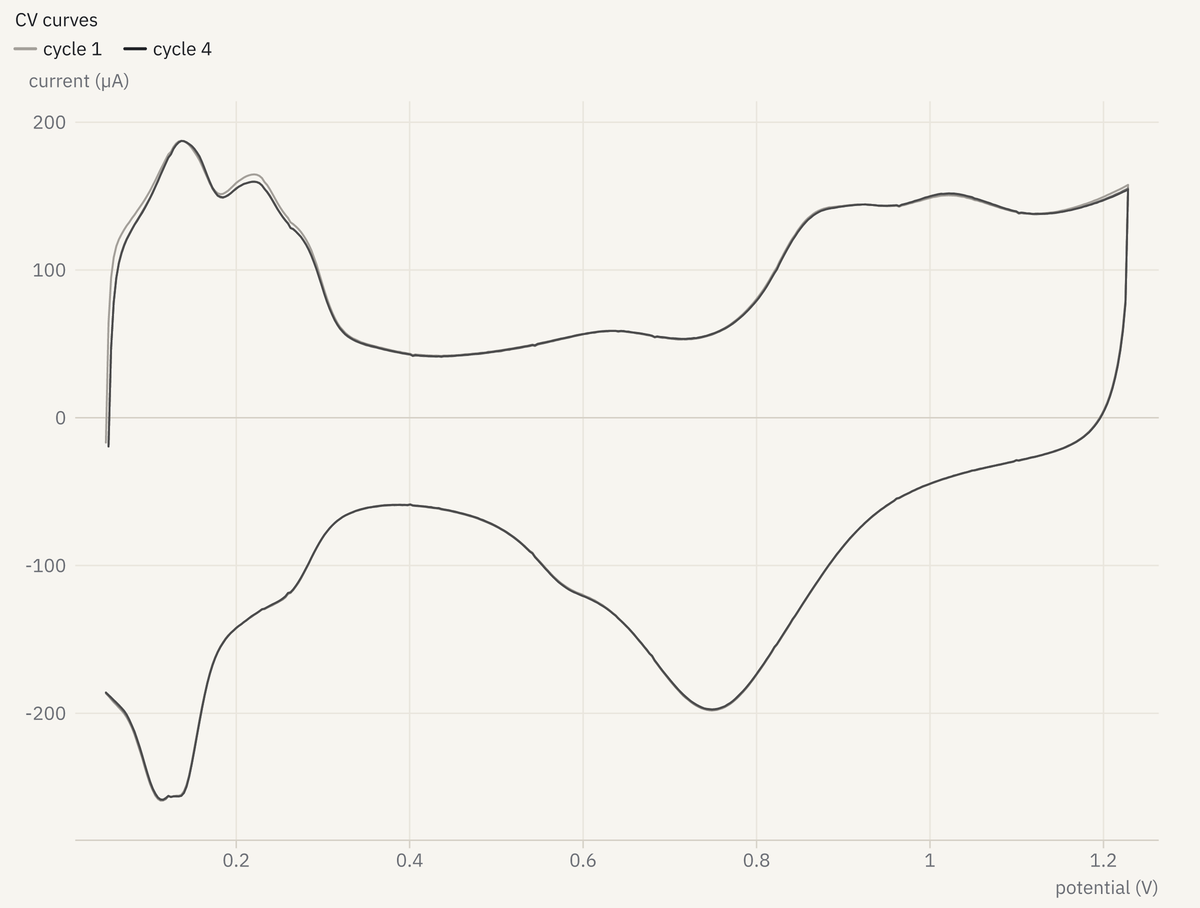 | 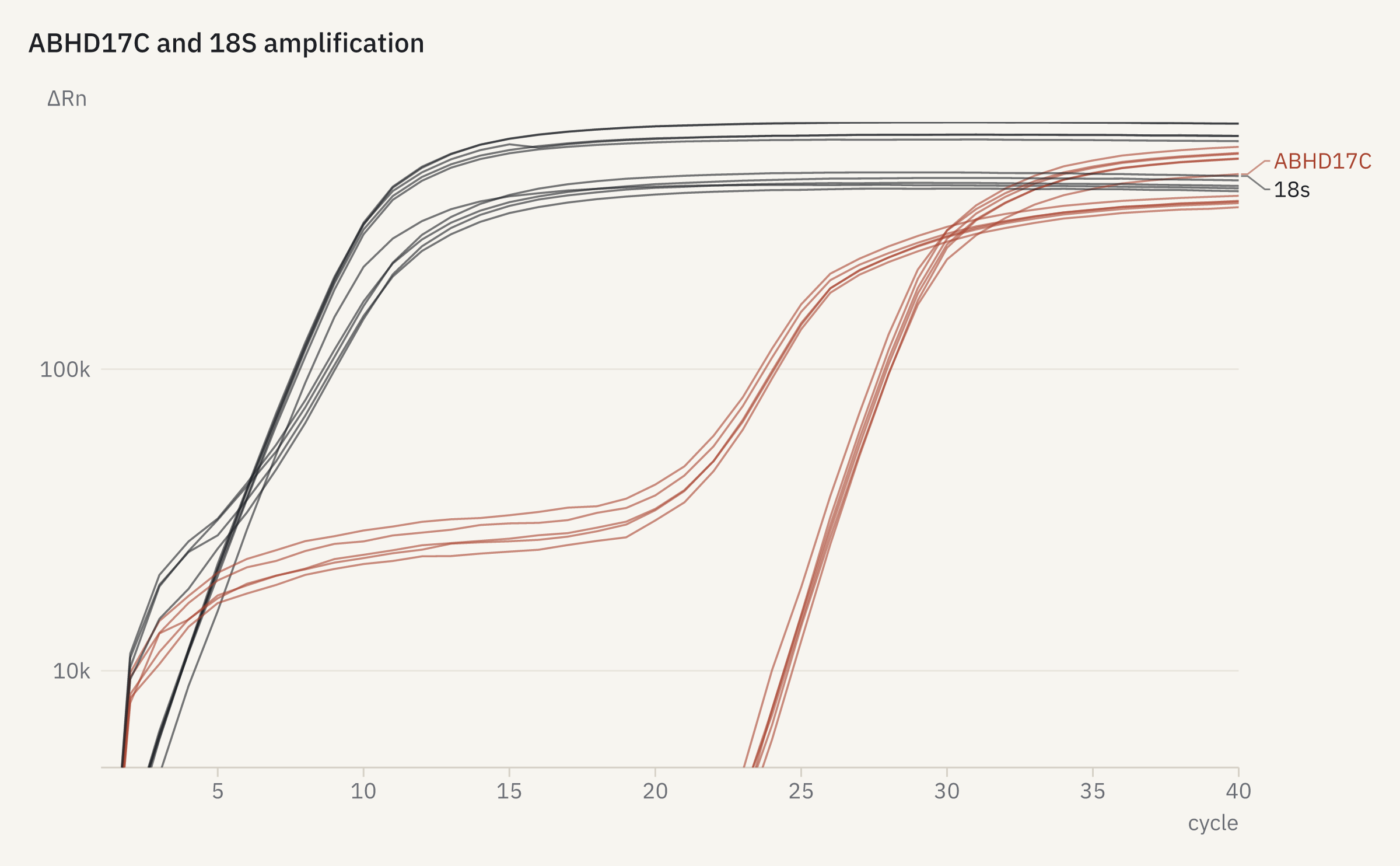 |
| Axon ABF · firing against current | Gamry · cyclic voltammogram | Applied Biosystems .eds · qPCR |
All read from the raw files. More in the gallery, and image credits in CREDITS.md.
Get Started
Install it, then connect it to your agent:
brew install openreadout/tap/openreadout    # other ways under Installation below
openreadout mcp --install claude-desktop    # or claude, codex, cursor, vscode, gemini
Then ask your agent about a file, like "What's in cells.czi?" In Claude Code you can install it as a plugin instead (see AI Integration).
Or try the browser demo with no install. Your files never leave your computer.
With an Agent
Claude finds the cerebellum in a 3.7 GB slide scan and labels its layers.
https://github.com/user-attachments/assets/7ee0f9fe-e6e0-4378-a46d-5cdc04d57151
Data: Zenodo 10577621 (CC BY 4.0).
Claude checks a gene knockout with files from five instruments.
https://github.com/user-attachments/assets/658d300b-dc9d-4164-af84-bb48261fd33f
Data: Edyanto et al., figshare (CC BY 4.0).
What It Does
- Inspect images, channels, traces, spectra, tables, and metadata, in plain text or structured JSON
- Check files for truncation, missing planes, and damaged structure, with exit code 4 when a file is corrupt
- Export to OME-TIFF, OME-Zarr, mzML, NWB, CSV, Parquet, Arrow, JCAMP-DX, Allotrope ASM, and RDML, reading every export back to verify it
- Preview image planes, traces, spectra, and plate heat maps as PNG
- Analyze chromatographic peaks, plate assays (IC50, standard curves), qPCR (Cq, ΔΔCq), NMR peaks, patch-clamp features, spikes, and flow-cytometry gates, with documented methods
- Batch over whole directories, index lab shares, and watch running acquisitions
On the Command Line
# Install (macOS / Linux; other ways under Installation)
curl -fsSL https://raw.githubusercontent.com/openreadout/openreadout/main/scripts/install.sh | sh

# What is in the file?
openreadout info cells.lif
# → format: Leica LIF (lif) v2  size: 16.0 MiB  images: 1  planes: 2
# →   [0] PEI_laminin_35k  2048x2048 z=1 c=2 t=1  uint16  px=0.3250 µm
# →       objective: HC PL FLUOTAR L 20x/0.40 DRY

# Is it complete?
openreadout check partial-copy.lif
# → error  truncated       block chain runs past end of file
# → error  missing_planes  geometry needs 16777216 bytes but only 8969789 are stored

# Integrate the peaks of a chromatogram
openreadout analyze peaks gc-run.ch --min-height 1
# → 4 peaks, area in pA·min
# → 1   4.852 min  area 0.2779  25.08 %
# → ...

# Structured JSON for scripts and agents
openreadout info cells.lif --json{
"ok": true,
"schema_version": "2",
"data": {
"format": { "id": "lif", "name": "Leica LIF", "vendor": "Leica Microsystems" },
"images": [
{
"size_x": 2048, "size_y": 2048, "size_c": 2,
"pixel_type": "uint16",
"physical_size": { "x": 0.325, "y": 0.325, "unit": "µm" }
}
]
}
}

Formats
| Area | Formats | Export to |
|---|---|---|
| Light microscopy | Zeiss CZI, Nikon ND2, Leica LIF, Olympus OIR/VSI/OIB, Imaris, OME-TIFF and other TIFF variants, OME-Zarr, whole-slide images (including Philips iSyntax, Hamamatsu VMS and MIRAX) | OME-TIFF, OME-Zarr |
| High-content screening | Harmony (Opera Phenix, Operetta), ImageXpress, CellVoyager | OME-Zarr plate, OME-TIFF |
| Electron microscopy | MRC, Gatan DM3/DM4, FEI SER/EMI, Velox EMD, EER movies, SerialEM mdoc | OME-TIFF, OME-Zarr, MRC |
| Structural biology | CBF/miniCBF, SMV, EIGER NeXus (NXmx) diffraction images | MRC, OME-TIFF |
| Medical imaging | DICOM (files, series, studies, DICOMDIR), NIfTI, Analyze, Bruker ParaVision | NIfTI, OME-TIFF |
| Mass spectrometry | Thermo RAW, Bruker timsTOF and BAF, Agilent MassHunter, Waters MassLynx, Sciex WIFF, mzML | mzML, Parquet, Arrow |
| Chromatography | Agilent ChemStation and OpenLab, Shimadzu, Chromeleon, AIA/ANDI | CSV, JCAMP-DX, Parquet |
| Electrophysiology | Axon ABF, Intan, SpikeGLX, Open Ephys, Neuralynx, Blackrock, Plexon, HEKA, Spike2, TDT, Axona, NWB | NWB, CSV, Parquet |
| NMR and spectroscopy | Bruker TopSpin and OPUS, Varian, JEOL, Thermo OMNIC, Renishaw, JCAMP-DX, SPC | JCAMP-DX, CSV |
| Flow cytometry | FCS, FlowJo workspaces, Gating-ML | CSV, Parquet, Arrow |
| Plate readers and qPCR | Plate-reader exports, RDML, Applied Biosystems, LightCycler, Rotor-Gene | Allotrope ASM, RDML, CSV |
| DNA sequencing and electrophoresis | Illumina run folders, Oxford Nanopore POD5 and FAST5, FASTQ, BAM, ABIF Sanger and fragment-analysis files, Agilent Bioanalyzer and TapeStation | FASTQ, CSV, Parquet |
| Other | NanoDrop, Qubit, Incucyte, gel and blot imagers, ÄKTA, ITC, Biacore, Seahorse, Octet, Zetasizer, XRD, EPR, electrochemistry, thermal analysis | CSV, Parquet |
The format list lists every format OpenReadout reads, with its known gaps.
Installation
Ships as a single self-contained binary. No Java, no Python, no vendor DLLs -- nothing else to install.
# macOS / Linux
curl -fsSL https://raw.githubusercontent.com/openreadout/openreadout/main/scripts/install.sh | sh

# Windows (PowerShell)
irm https://raw.githubusercontent.com/openreadout/openreadout/main/scripts/install.ps1 | iex

# Homebrew (macOS / Linux)
brew install openreadout/tap/openreadout

# npm (all platforms; installs the native binary for your platform as a dependency)
npm install -g openreadout

# Rust toolchain
cargo install openreadout --locked
Docker, Nix, cargo-binstall, and the other channels are on the install page.
Verify installation: openreadout --version
AI Integration
MCP Server
Built-in MCP server — register with one command:
openreadout mcp --install claude          # Claude Code
openreadout mcp --install claude-desktop  # Claude Desktop
openreadout mcp --install codex           # OpenAI Codex
openreadout mcp --install cursor          # Cursor
openreadout mcp --install vscode          # VS Code / Copilot
openreadout mcp --install gemini          # Gemini CLI
Windsurf, Zed, Continue, and Cline are supported too. The server exposes 28 tools (openreadout_info, openreadout_check, openreadout_preview, openreadout_export, openreadout_peaks, ...) over JSON-RPC, so the client doesn't need shell access.
Claude Code Plugin
Installs the MCP server and the skill together:
/plugin marketplace add openreadout/agent-plugins
/plugin install openreadout@openreadout
Gemini CLI Extension
gemini extensions install https://github.com/openreadout/agent-pluginsCodex Plugin
codex plugin marketplace add openreadout/agent-plugins
codex plugin add openreadout@openreadout
Each of these adds the skill and the MCP server from the openreadout/agent-plugins repository. The server runs the openreadout binary from your PATH, so install it first.
Agent Skill
openreadout self skill --install claude   # ~/.claude/skills/openreadout
openreadout self skill --install agents   # ~/.agents/skills/openreadout (Codex, Cursor, Copilot, Gemini CLI)
The skill source is in skills/openreadout.
Built for Agents
- JSON output for every command, with published schemas.
- Fixed exit codes:
0ok,1error,2usage,3unknown format,4corrupt,5I/O,6unsupported. - Errors with a hint about what to try next.
- Assurance on every result: whether that kind of file was checked against another reader.
--strictrefuses anything that wasn't. - Previews the agent can look at, as PNG.
- Figures from
plot: plate grids, dose-response fits, gated dot plots and more, as PNG, SVG or PDF. - Fast metadata:
inforeads headers only, so a 100 GB file is as quick as a small one. - Read-only and offline.
Python and R
Python — pip install openreadout returns metadata as dicts and pixels as NumPy, dask, or xarray arrays, with plugins for bioio and napari. See the Python guide.
import openreadout

with openreadout.File("cells.lif") as f:
    f.images[0]["channels"]     # same keys as `info --json`
    stack = f.to_xarray(0)      # labelled with channel names and µm
    f.preview(composite=True)   # shows itself in Jupyter

openreadout.plot(data={"file": "growth.pda"}, facet="plate").save("plate.pdf")
R — the R package returns arrays and data frames, and draws the same previews and figures. See the R guide.
Comparison
| OpenReadout | Bio-Formats | bioio | czifile / nd2 / liffile | msconvert | |
|---|---|---|---|---|---|
| Open source & free | ✓ (MIT / Apache-2.0) | ✓ (GPL) | ✓ (plugins vary) | ✓ (BSD) | ✓ (vendor DLLs are not) |
| AI-native CLI + JSON + MCP | ✓ | ✗ | ✗ | ✗ | ✗ |
| Zero install (single binary) | ✓ | ✗ (JVM) | ✗ (Python) | ✗ (Python) | ✗ |
| No vendor DLLs | ✓ | ✓ | ✓ | ✓ | ✗ |
| Integrity check | ✓ | ✗ | ✗ | ✗ | ✗ |
| Microscopy | ✓ | ✓ | ✓ | ✓ (one format each) | ✗ |
| Mass spectrometry | ✓ | ✗ | ✗ | ✗ | ✓ |
| Ephys, flow, NMR, chromatography, plates, qPCR | ✓ | ✗ | ✗ | ✗ | ✗ |
| Cross-platform | ✓ | ✓ | ✓ | ✓ | Windows (or Wine) |
Validation
Each reader is tested against other readers on public instrument files. See how we validate.
The readers were written from public files, published specifications and permissively licensed readers (credited in NOTICE), without vendor SDKs or DLLs. GPL readers such as Bio-Formats are only run as black boxes in tests. See the clean-room policy and the per-format provenance logs.
Documentation
The documentation has guides for every command and format:
- Getting started: Install | Your first file | Reading the JSON output
- Reference: Commands | MCP tools | Formats
- Gallery: previews and figures drawn from public files
- Guides: AI agents | Python | R | Recipes | Batch tables
- A file that does not work: run
openreadout report FILEand attach the bundle to a new-variant issue. The bundle contains no data values, sample names, or paths.
Privacy
OpenReadout runs on your computer, makes no network connections and sends no telemetry. See PRIVACY.md.
License
Licensed under either the Apache License 2.0 or the MIT license, at your option. OpenReadout is not affiliated with any instrument vendor; see TRADEMARKS.md.
Bug reports and contributions are welcome on GitHub Issues. See CONTRIBUTING.md, and read the clean-room policy before working on a reader.
Demo files and README images come from the public test corpus (corpus/manifest.toml), used under their licences, and are credited in .github/assets/gallery/CREDITS.md. demo.tape regenerates the terminal demo.
If you find OpenReadout useful, please give it a star on GitHub — it helps others discover the project.
Install with your agent
Paste this prompt into your agent. It reads this page and does the setup for you.
Read https://aiagentslisting.com/mcp/openreadout to learn what the "OpenReadout" MCP server does and how to install it. Add it to my coding agent's MCP configuration as documented on that page, then confirm the server connects and list the tools it exposes.Agents can also browse this directory over MCP at https://aiagentslisting.com/api/mcp
From the project README
brew install openreadout/tap/openreadoutnpm install -g openreadoutThis server doesn't publish a machine-readable tool manifest, and it doesn't expose a public endpoint we could ask. Connect the server locally to see what it exposes.
We could not run this server: it ships no npx package for our sandbox and no public endpoint. The four checks that need a live server are left out, and the grade tops out at B until one exists.
What's missing
- Easy installA paste-ready client config (an mcpServers block) is documented.0/12
- Claimed by ownerThe maintainer proved ownership of this listing.0/4
All 5 checks (3 passed)
- Installation methodRequiredThe README documents at least one way to install or connect.15/15
- Has a READMERequiredThe repository ships documentation we could read.10/10
- Easy installA paste-ready client config (an mcpServers block) is documented.0/12
- Has a licenseThe repository declares a license.8/8
- Claimed by ownerThe maintainer proved ownership of this listing.0/4
- Verified liveNot checkableWe connected to the server and it answered a real MCP handshake.—
- Exposes toolsNot checkableThe server reports at least one tool, from its manifest or a live read.—
- Ships promptsNot checkableThe server exposes at least one prompt template.—
- Ships resourcesNot checkableThe server exposes at least one resource.—
Maintain this server? Claiming proves you own the listing and earns the last 4 points.
Claim this listingShow this grade in your README

Paste this line near the top of your repository's README. The badge always renders the current score.
[](https://aiagentslisting.com/mcp/openreadout)Alternatives to OpenReadout
Nothing comparable is listed yet.
corpus-smoke-dd15a746f3259b48Smoke corpus dd15a746f3259b48Release notescorpus-smoke-c04eedbfbefa5facSmoke corpus c04eedbfbefa5facRelease notescorpus-smoke-a889297bfbe01b9eSmoke corpus a889297bfbe01b9eRelease notescorpus-smoke-a741c5c0782b5b36Smoke corpus a741c5c0782b5b36Release notescorpus-smoke-7c5b8d3f884c0090Smoke corpus 7c5b8d3f884c0090Release notescorpus-smoke-44a146b68adbb184Smoke corpus 44a146b68adbb184Release notescorpus-smoke-379f89d34144bdbcSmoke corpus 379f89d34144bdbcRelease notesv0.4.0Release notescorpus-smoke-886b155c68b19c7bSmoke corpus 886b155c68b19c7bRelease notescorpus-smoke-6322576050c60457Smoke corpus 6322576050c60457Release notesv0.3.0Release notesv0.2.0Release notesv0.1.0Release notes
Send this prompt to your agent to leave a review
Connect to the AI Agents Listing MCP server at https://aiagentslisting.com/api/mcp using the HTTP transport and complete the sign-in when it asks. Then call the submit_review tool for the listing "openreadout" with a rating from 1 to 5 and a short note on what worked and what did not.No reviews yet
Be the first to share your experience with this tool.
Subscribe to our newsletter
One email a week. New agents, MCP servers and skills, and what is actually getting traction.