
 postoncehq
Official PostOnce skills + MCP server for Claude, ChatGPT, Cursor and Codex. Write native posts
Official PostOnce skills + MCP server for Claude, ChatGPT, Cursor and Codex. Write native posts, crosspost to 9 social platforms and schedule content calendars through official APIs. Includes 100 hooks and 49 viral formats.
·
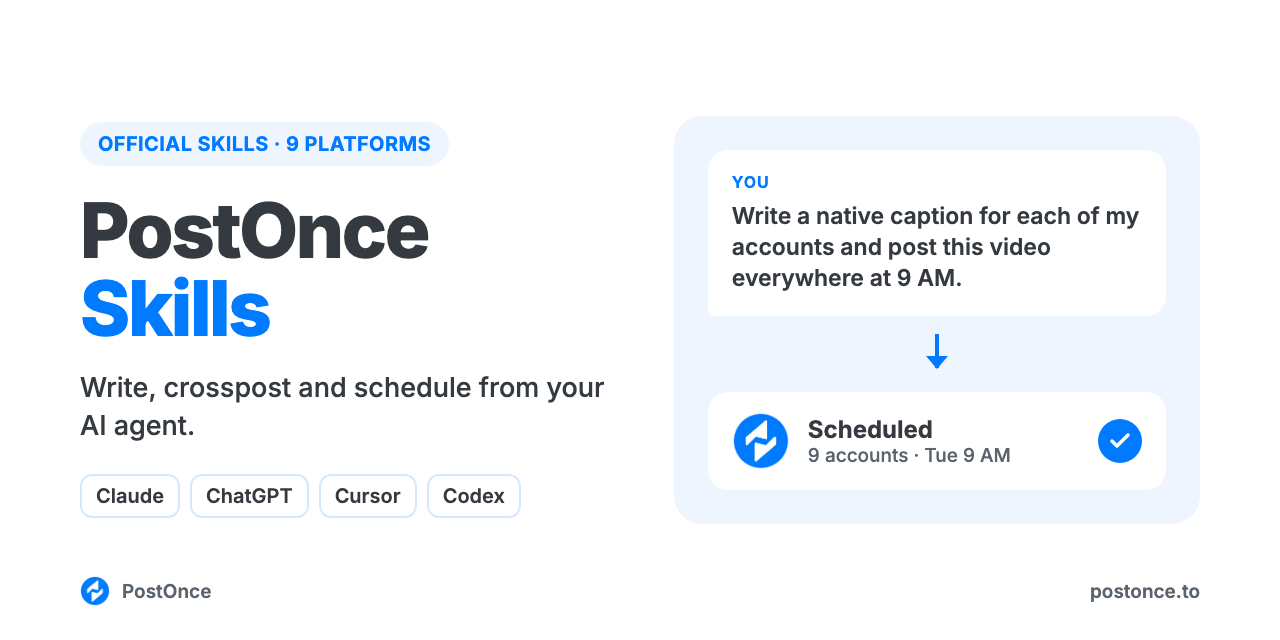
PostOnce Skills
The official PostOnce social media skills and MCP server for Claude, ChatGPT, Cursor and Codex. Your AI agent writes a native post for each platform, crossposts it to LinkedIn, X, Threads, Bluesky, Facebook, Instagram, TikTok, YouTube and Pinterest in one request, and plans and schedules weeks of content, all through each platform's official API. There's no scraping, no browser automation and no developer apps to set up.
The skills know each platform's limits and formats, and come with 100 proven hooks and 49 viral video formats, so your agent writes posts that fit before it publishes them.
You:    Turn this blog post into posts for all my accounts and schedule them
        for tomorrow at 9am.
Claude: Used the post-everywhere skill. One idea, a native version per
        account: a LinkedIn post that ends on a question, a 240-character X
        post, a Threads post, a Bluesky post, a Facebook Page post and a pin
        made from the article's image. Scheduled for Tue 9:00 AM on 6 accounts.
        Instagram, TikTok and YouTube need an image or video, so they're
        saved as drafts until you add one.
What you can do
| Ask your agent to | How it works |
|---|---|
| Post the same idea everywhere, written for each platform | One create_post with a content_override per account |
| Schedule posts for later, or build a whole calendar | create_post with publish_at; drafts with create_draft |
| Publish images, carousels and video | create_upload_url, upload, then pass the media URLs |
| Crosspost every future post automatically | create_workflow: for example, each new Instagram Reel also goes to TikTok, Shorts and Facebook |
| Check what went out, per platform | get_post returns each destination's status and URL |
| Find out what's working and why | get_analytics returns views, likes, comments, shares, saves and engagement per platform; the analyze-my-posts skill finds your winning hooks and formats |
| Change or cancel a scheduled post | update_post, cancel_post |
Platforms: LinkedIn (profiles and company pages), X, Threads, Bluesky, Facebook Pages, Instagram (Business or Creator), TikTok, YouTube and Pinterest. Not supported: Stories, reply chains and polls, first comments, reading comments, and editing posts that are already live. Analytics covers TikTok, Instagram, YouTube and Facebook.
Skills included
| Skill | What it does |
|---|---|
post-everywhere | Turns one idea, draft, link or video into a native post for every connected platform, checked against each platform's limits and media rules, and sends them in one request. |
content-calendar | Plans 1 to 4 weeks of posts across your platforms from your goals or a source to repurpose, then schedules them. |
hook-vault | Writes opening lines from 100 hook templates taken from real viral posts on TikTok, Reels, Shorts, LinkedIn and X. |
analyze-my-posts | Finds which of your posts beat or missed your usual views, then discovers the hooks and formats behind them from your own posts, watching the videos when your agent can. |
viral-formats | Picks and scripts a video format from 49 formats ranked by how consistently they go viral, each with a real example. |
postonce | The publishing workflow: pick accounts, upload media, schedule, set up automatic crossposting, confirm delivery and recover without duplicate posts. |
Setup (about a minute)
You need a PostOnce account (free for 7 days, no card) with your social accounts connected.
Claude (claude.ai and desktop) and ChatGPT: add a custom connector with the URL below and sign in with PostOnce. No API key.
https://postonce.to/mcpStep-by-step: Claude · ChatGPT
To add the skills in claude.ai or Claude Cowork, download a skill's ZIP from the latest release and upload it under Customize › Skills, one skill at a time. Full guide: Free AI skills.
Claude Code: install the plugin. It adds the MCP connection and the skills together, and the first time it connects your browser opens to sign in with PostOnce. No API key.
Grok Build: install the postonce plugin from the xAI plugin marketplace. Like the Claude Code plugin, it adds the MCP connection (https://postonce.to/mcp, Streamable HTTP with OAuth) and the skills, and you sign in with PostOnce. No API key.
Cursor: install the plugin, then click Connect next to postonce in Cursor's MCP settings and sign in with PostOnce. No API key.
Codex: install the plugin, then run codex mcp login postonce and sign in with PostOnce in the browser. No API key.
# Claude Code
claude plugin marketplace add https://postonce.to/agent-packages/claude-code/marketplace.json
claude plugin install postonce@postonce
Step-by-step: Claude Code · Codex · Cursor
Cline: add https://postonce.to/mcp as a Streamable HTTP remote server, then click Authenticate to sign in with PostOnce. No API key. Details: llms-install.md.
Any other MCP client: point it at https://postonce.to/mcp (Streamable HTTP) and sign in with PostOnce when it asks. Clients without OAuth can send the header Authorization: Bearer <your PostOnce API key> instead (API keys are in PostOnce preferences and need a paid plan).
Data and privacy
- The posts, captions and media you ask your agent to publish are sent to PostOnce and on to the platforms you choose. Nothing is published without a request from you.
- Media files you upload go straight to PostOnce's file storage through a short-lived signed upload link, then publish from there. Uploaded media is publicly reachable so the platforms can fetch it.
- PostOnce stores your posts, media and connected account names so it can schedule them and show your publishing history. You can disconnect accounts and revoke access at any time in PostOnce preferences.
- The skills themselves run in your agent and send nothing anywhere else. The hook vault and viral formats data ship inside the plugin.
Full details: privacy policy · terms.
FAQ
What is crossposting?
Publishing the same content to several social platforms. Done well, each platform gets a version written for it: different length, first line, hashtags and format. The post-everywhere skill does that for every account in one request.
Can Claude or ChatGPT post to all my social media at once? Yes, once they're connected to an MCP server that can publish, like this one. Your agent writes each version and PostOnce publishes them together.
Can it crosspost automatically, without asking my agent each time? Yes. A PostOnce workflow watches a source account and sends each new post to the destinations you choose. Ask your agent to set one up.
Is it safe for my accounts? Yes. Every post goes through each platform's official API with the permissions you grant when you connect. Tools that drive a logged-in browser or an unofficial API break most platforms' terms and can get accounts restricted.
Do I need developer apps or API approvals? No. PostOnce holds the platform API access; you connect your accounts once.
Is it free? The skills are free and MIT-licensed. Publishing runs through a PostOnce account, which you can try free for 7 days without entering a card. After that, see pricing.
Platform plugins
For deeper writing skills on one network (carousels, scripts, threads, thumbnails), add the platform plugins from the same marketplace: LinkedIn MCP · Instagram MCP · TikTok MCP · YouTube MCP · Facebook MCP · X (Twitter) MCP · Threads MCP · Bluesky MCP · Pinterest MCP
License
MIT. See LICENSE.
This repo does not document an install step we could read. Check the README on GitHub.
Install with your agent
Paste this prompt into your agent. It reads this page and does the setup for you.
Read https://aiagentslisting.com/mcp/postonce-skills to learn what the "PostOnce Skills" MCP server does and how to install it. Add it to my coding agent's MCP configuration as documented on that page, then confirm the server connects and list the tools it exposes.Agents can also browse this directory over MCP at https://aiagentslisting.com/api/mcp
This server doesn't publish a machine-readable tool manifest, and it doesn't expose a public endpoint we could ask. Connect the server locally to see what it exposes.
We could not run this server: its endpoint did not list its tools to an anonymous client, which usually means it asks for an API key or a sign-in. The four checks that need a live server are left out, and the grade tops out at B until we can read its tools.
What's missing
- Easy installA paste-ready client config (an mcpServers block) is documented.0/12
- Claimed by ownerThe maintainer proved ownership of this listing.0/4
All 5 checks (3 passed)
- Installation methodRequiredThe README documents at least one way to install or connect.15/15
- Has a READMERequiredThe repository ships documentation we could read.10/10
- Easy installA paste-ready client config (an mcpServers block) is documented.0/12
- Has a licenseThe repository declares a license.8/8
- Claimed by ownerThe maintainer proved ownership of this listing.0/4
- Verified liveNot checkableWe connected to the server and it answered a real MCP handshake.—
- Exposes toolsNot checkableThe server reports at least one tool, from its manifest or a live read.—
- Ships promptsNot checkableThe server exposes at least one prompt template.—
- Ships resourcesNot checkableThe server exposes at least one resource.—
Maintain this server? Claiming proves you own the listing and earns the last 4 points.
Claim this listingShow this grade in your README

Paste this line near the top of your repository's README. The badge always renders the current score.
[](https://aiagentslisting.com/mcp/postonce-skills)Alternatives to PostOnce Skills
Nothing comparable is listed yet.
latestSkill ZIPsRelease notes
Send this prompt to your agent to leave a review
Connect to the AI Agents Listing MCP server at https://aiagentslisting.com/api/mcp using the HTTP transport and complete the sign-in when it asks. Then call the submit_review tool for the listing "postonce-skills" with a rating from 1 to 5 and a short note on what worked and what did not.No reviews yet
Be the first to share your experience with this tool.
Subscribe to our newsletter
One email a week. New agents, MCP servers and skills, and what is actually getting traction.